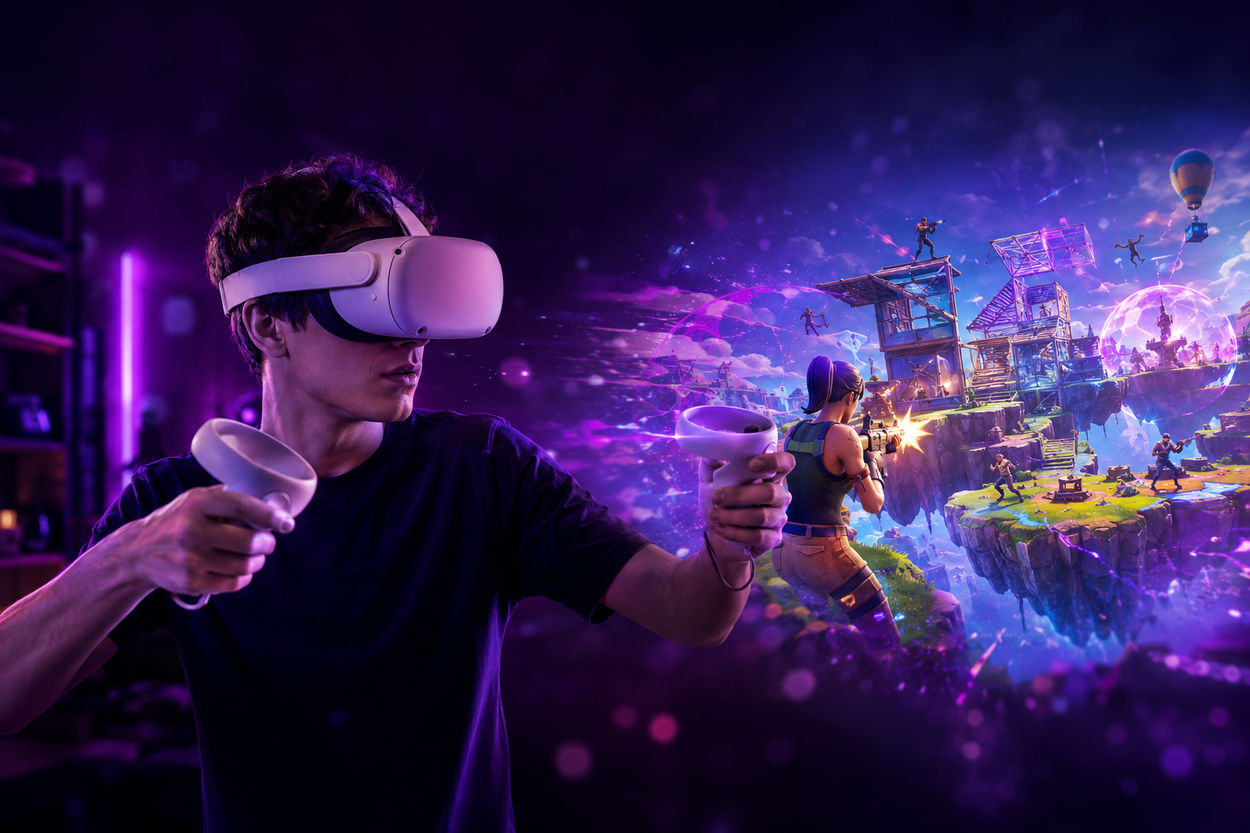

You've built towers faster than physics should allow. You've danced through laser fire with a lightsaber. You've crawled out of Tilted with 6 HP and a fishing rod. But have you ever dropped into Fortnite in virtual reality?
If not, here's your shot. And if you want to start strong — with rare skins, full Battle Passes, and a locker that doesn't scream "Day One Default" — you might want to buy a Fortnite account that's already built for it.
This guide walks you through what's real, what's just hype, and how to actually get Fortnite working in VR — no tech degree required.
What "Fortnite in VR" Actually Means
Let's be clear up front: there's no true first-person Fortnite VR mode. You won't be peeking corners with your head or reloading with your hands. Not yet, anyway.
But there is a way to play Fortnite in VR — and it's more fun than it sounds.
What you're doing is basically this:
- Launching Fortnite on your gaming PC
- Streaming it into your VR headset using a "virtual desktop" app
- Playing the game on a massive, floating screen in your headset — like a private movie theater with zero distractions
You're not inside the island, but you are immersed in it. That alone can change the feel of the whole match.
Is There an Official VR Version of Fortnite?
Nope. But it's not a dead end.
Epic hasn't launched a VR-specific version of Fortnite, but they're dropping hints — and making moves:
- Unreal Engine 5 (which Fortnite runs on) has VR support baked in
- UEFN (Unreal Editor for Fortnite) lets creators build wild custom maps — including some with VR-style setups
- Epic and Meta have a cozy relationship, and Fortnite already runs on Android (aka Meta's playground)
Long story short: a real Fortnite VR mode might not be far off. For now, we've got clever workarounds — and they're more than just gimmicks.
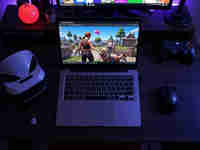
What You'll Need to Play Fortnite in VR
Here's what it takes. No fluff.
The Basics
- A VR headset — Meta Quest 2 or 3, Valve Index, HTC Vive, or Oculus Rift
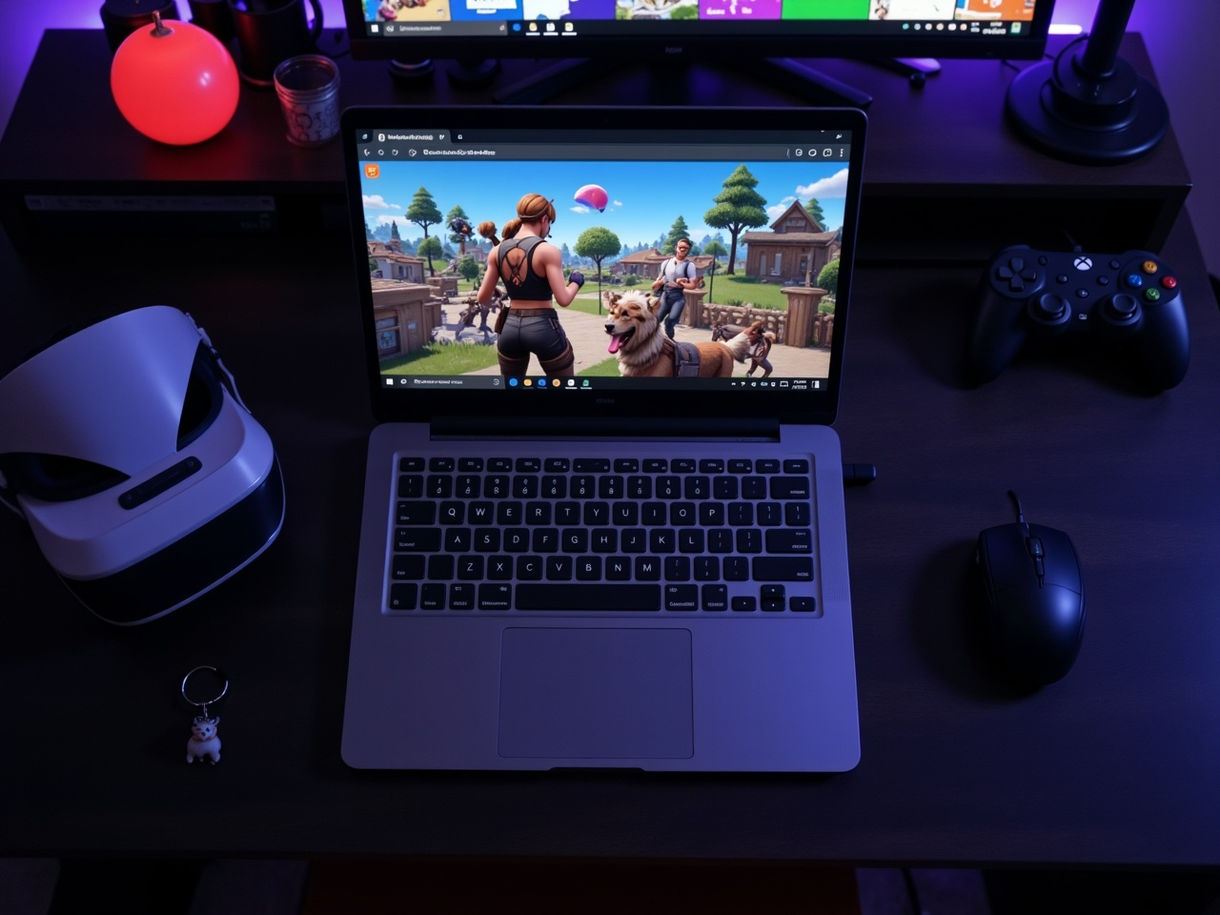
- A gaming PC with Fortnite installed
- A virtual desktop app — like Virtual Desktop, SteamVR, Air Link, or Bigscreen
- A controller or keyboard and mouse
Optional Stuff
- Reshade or VorpX for fake 3D effects (not for beginners)
- A fan, ginger tea, or motion sickness bands if you're prone to VR nausea
- A comfy chair — trust me on this one
How to Play Fortnite in VR (Step-by-Step)
Let's walk through the process with zero jargon and no skipped steps.
Step 1: Set Up Your Headset
Make sure your headset is connected to your PC. If you're on Meta Quest:
- Use Air Link or the Virtual Desktop app (purchased from the Quest store)
- Connect both PC and headset to the same fast Wi-Fi
If you're on another headset (Valve Index, Rift S, etc.), launch SteamVR or the relevant native VR environment.
Step 2: Launch a Virtual Desktop Environment
Open Virtual Desktop (or Bigscreen, or SteamVR Home). Think of this as a giant curved cinema screen floating in space. Fortnite will appear on it like a massive monitor.
You can move your head to look around. Resize the screen. Choose between "theater mode" or "immersive curved" setups.
Step 3: Open Fortnite on Your PC
Launch Fortnite as usual — but now it's showing on your VR desktop.
Important: Fortnite doesn't natively recognize your VR controllers. You'll still use your gamepad or keyboard and mouse to control the game.
Yes, you're playing flat Fortnite. But your experience is now surrounded by your own personal VR space. No distractions. Just you and the storm circle.
Step 4: Optimize the Settings
- Increase screen resolution inside the virtual desktop app (sharper visuals)
- Choose low latency mode if available
- Turn off motion blur in Fortnite to avoid nausea
Optional: Use Reshade or VorpX to inject stereoscopic 3D. Caution: this adds complexity and isn't officially supported.
What It's Like to Play Fortnite in VR
It's… surprising.
Imagine playing Fortnite on a screen the size of your living room wall — except the room is a sleek space lounge or medieval cabin. The map looks huge. Gunfights feel more intense. Storm clouds rolling in? Genuinely eerie.
But it's not perfect.
You're still watching a "flat" game in 3D space. The immersion is real — but don't expect to peek around corners or throw grenades with your hands (yet).
For creative mode or casual matches, it's brilliant. For sweaty Zero Build ranked play? It might feel clunky if you rely on fast head turns or precise mouse swipes.
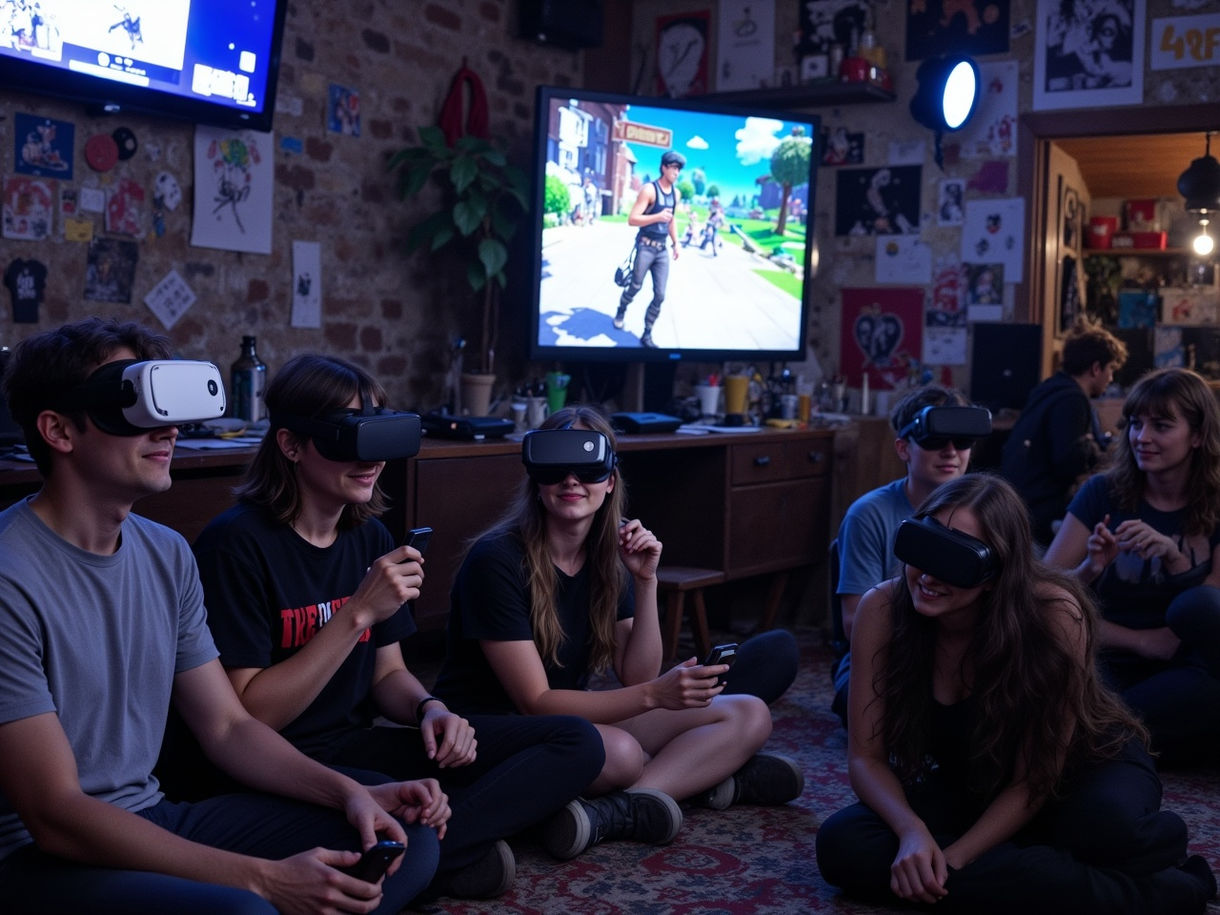

VR Fortnite Alternatives (and What's Coming)
Let's say the virtual desktop approach feels too "meh." You want real VR Fortnite. Good news: alternatives exist — and Epic's hints suggest more is coming.
Fortnite VR Maps in Creative
- Some Creative creators have built VR-like maps with fixed camera angles, low gravity, and first-person tricks
- Search "VR" or "first person" in Fortnite's Discover tab
- These aren't full matches, but they're great for storytelling and exploration
Pavlov VR + UEFN
- Fortnite Creative 2.0 lets you build full FPS experiences
- There are community efforts to port Fortnite weapons and visuals into standalone UEFN shooter experiences — playable in VR
- It's early days, but creators are already experimenting with a VR-like feel
Epic's Metaverse Plans
Don't forget: Epic and Meta are besties now. There are whispers of a standalone Fortnite VR client for Meta Quest in the works. If they pull it off, it could rival Rec Room, Horizon Worlds, or VRChat — but with better guns and actual style.
Final Thoughts: Should You Try It?
If you already own a VR headset and a PC that can run Fortnite, you have nothing to lose — and possibly a whole new way to experience your favorite island.
Will it give you a competitive edge? No.
Will it make building easier? Definitely not.
But will it make exploring, chilling in Creative mode, or just vibing with friends way cooler? Absolutely.
And who knows? One day soon, you might drop into Tilted — and actually look around the corner before peeking.