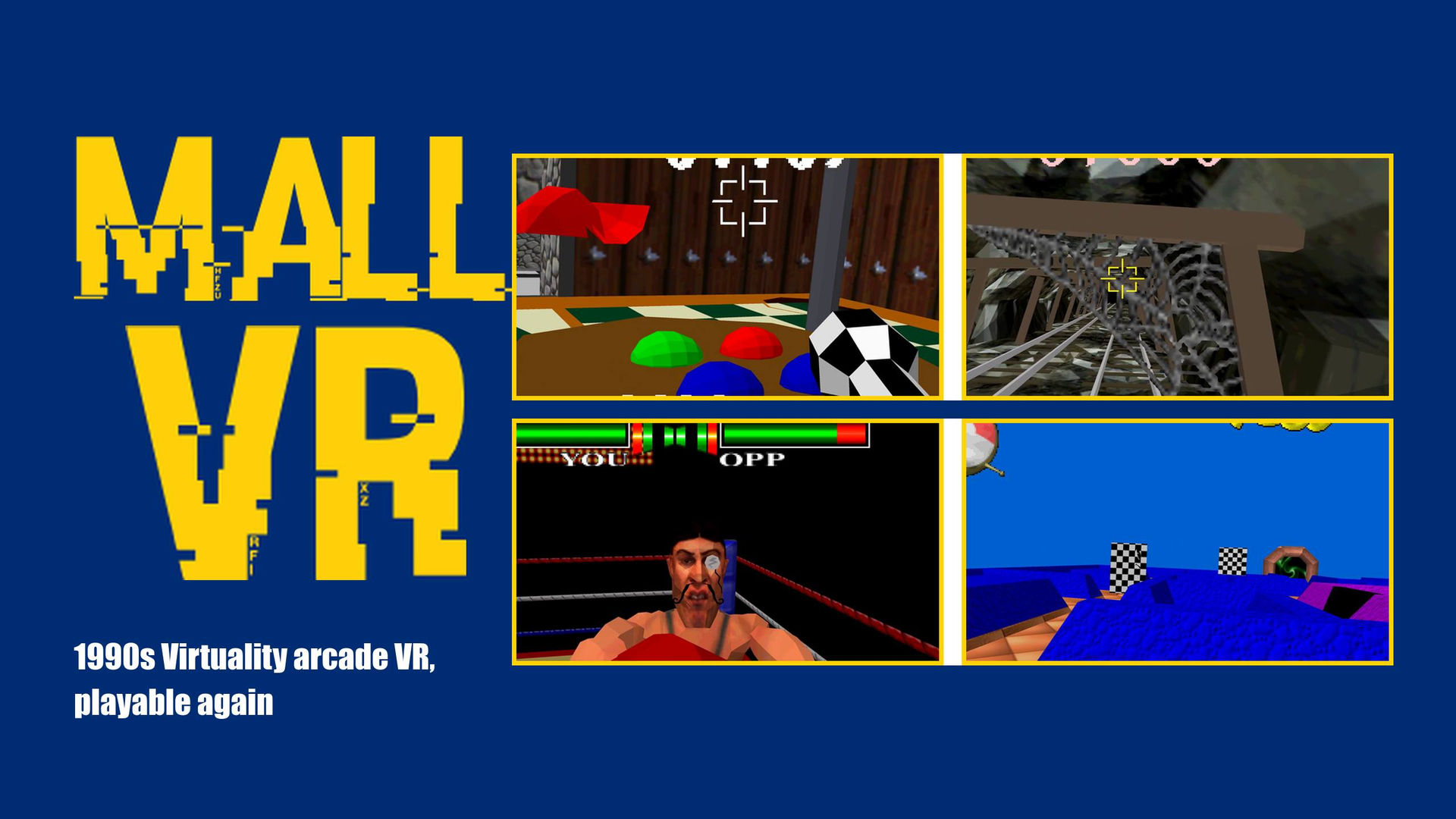
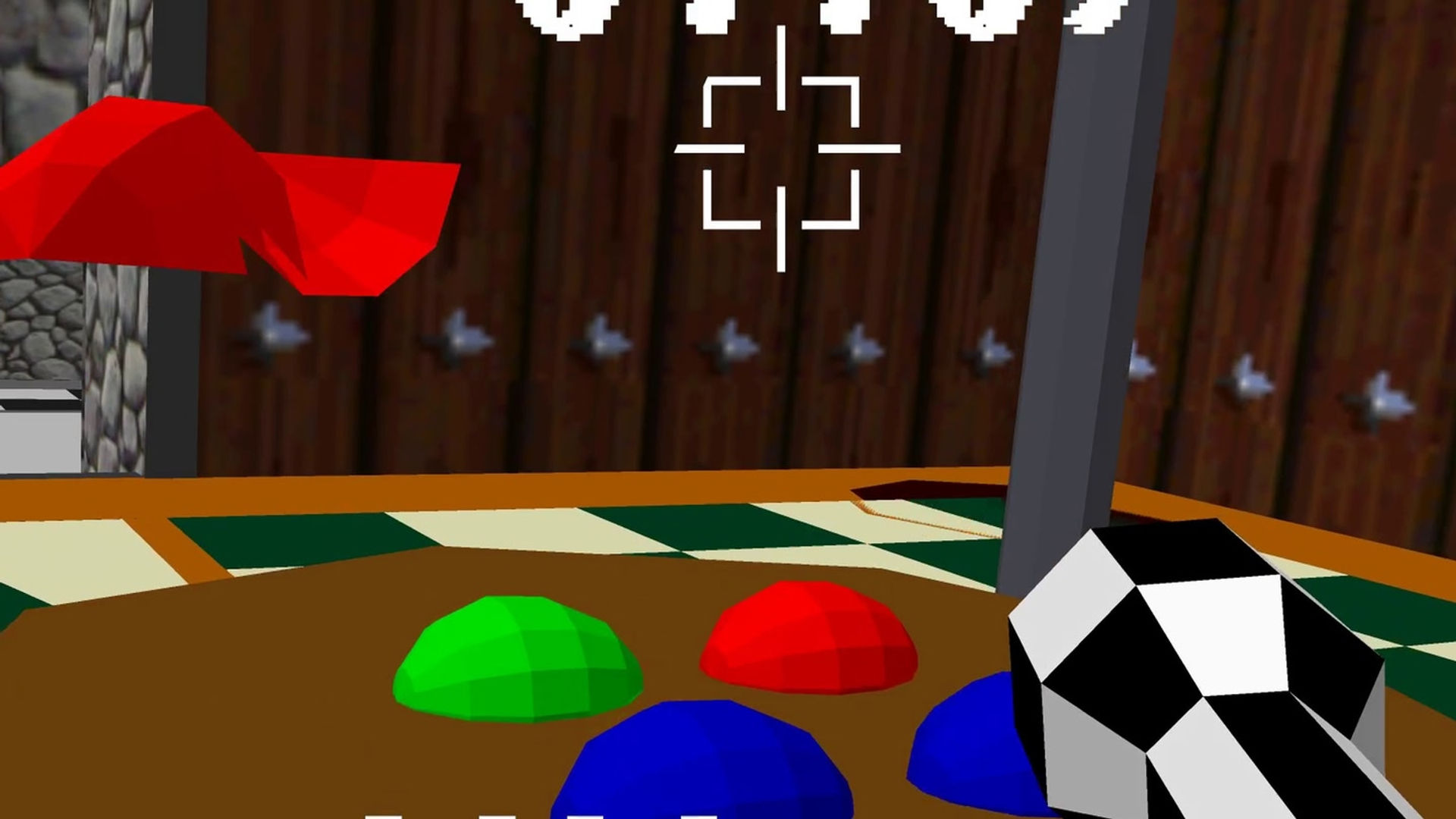
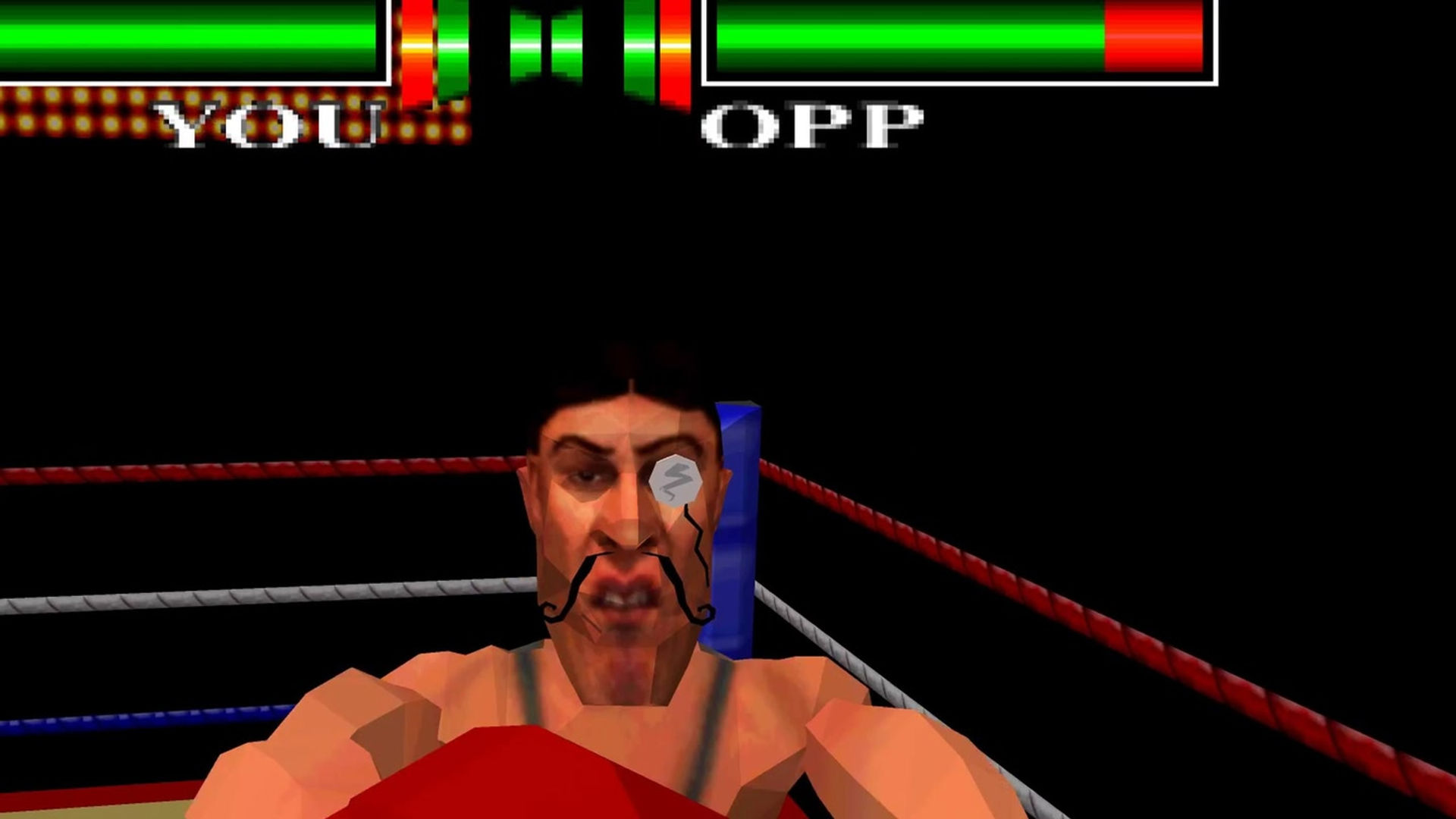
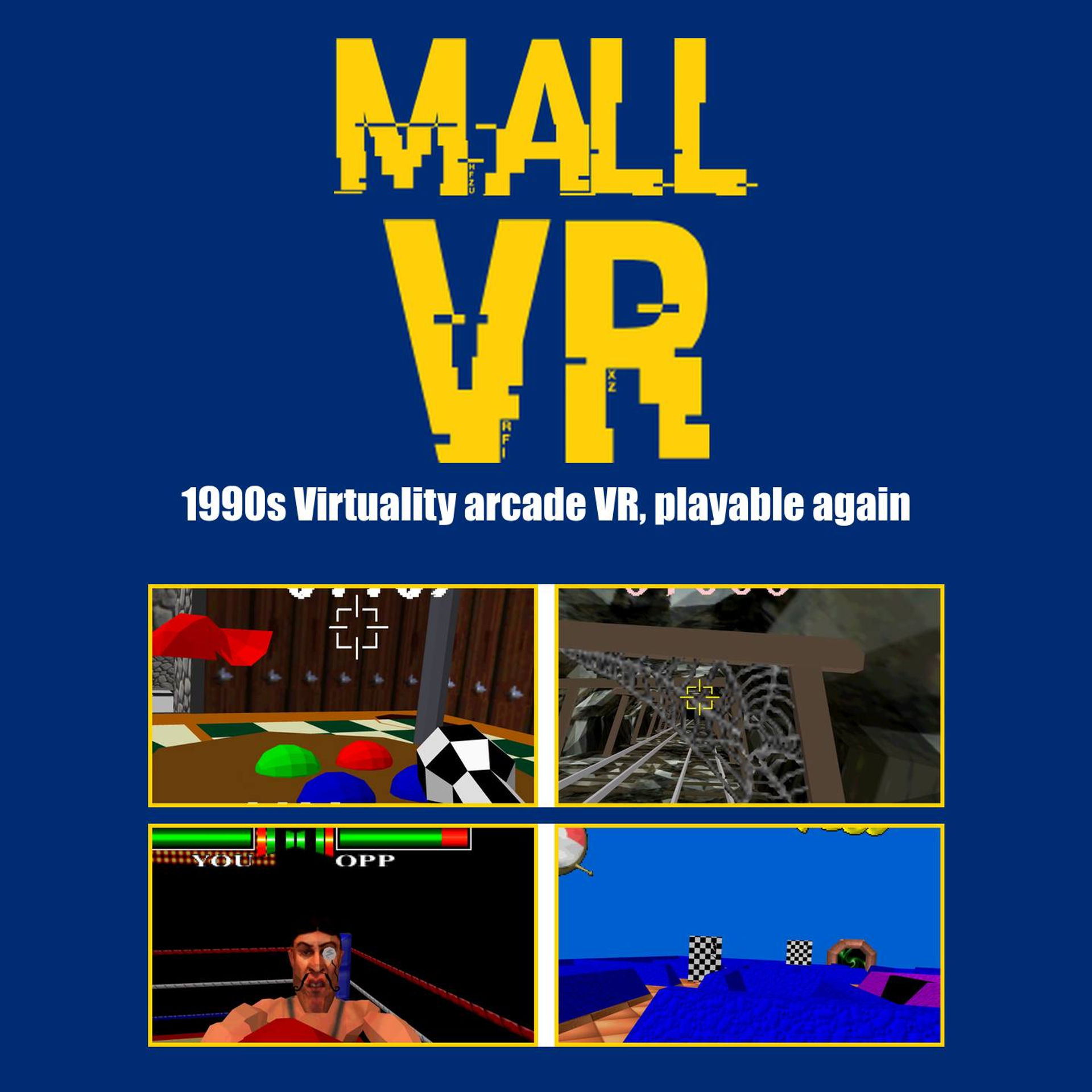
MallVR brings back the Virtuality VR pods from 1990s malls and arcades. It runs the original pod games, low-poly worlds and all, right on the headset.
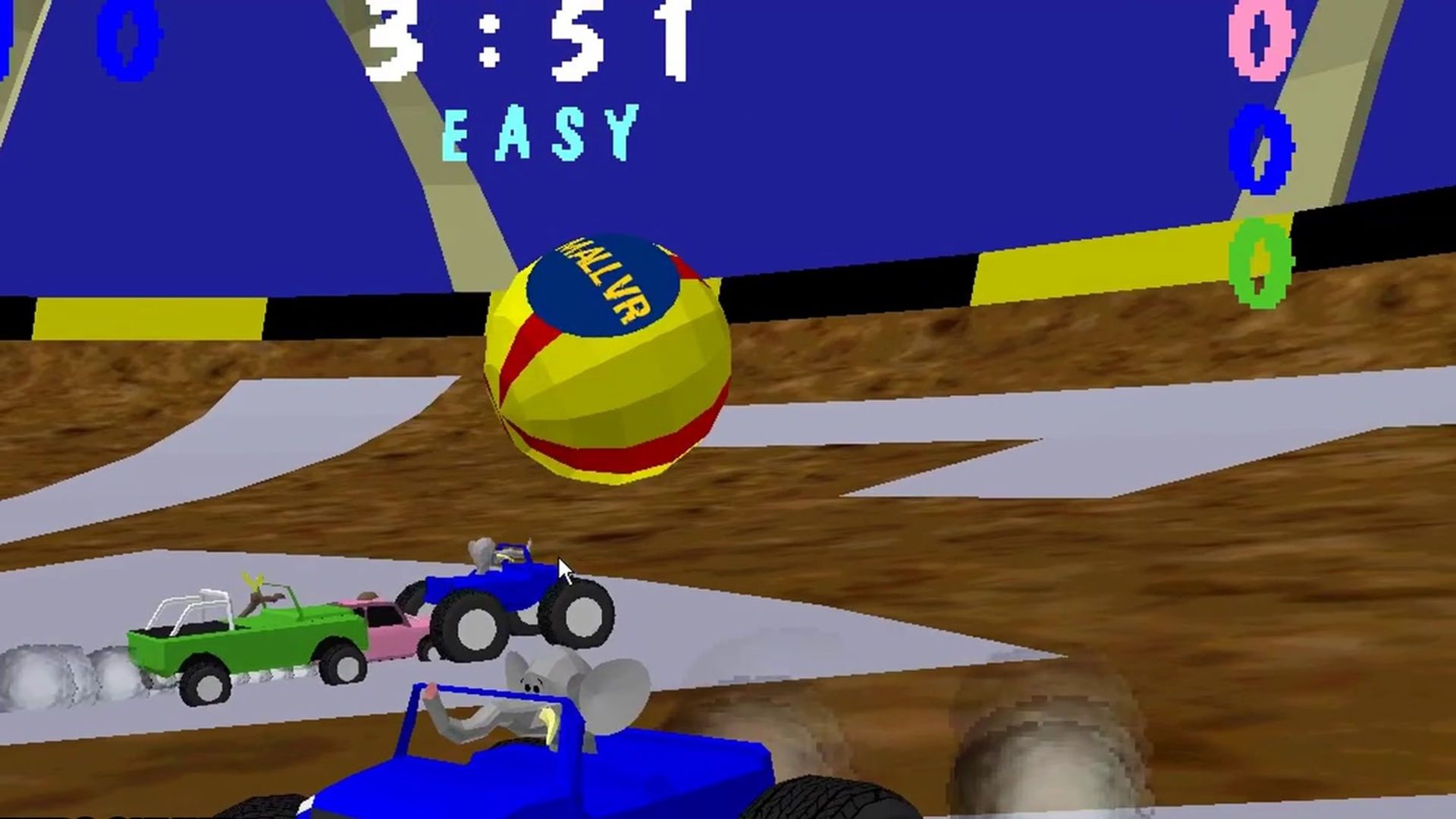
- 14 Virtuality games, including Dactyl Nightmare, Dactyl Nightmare 2, Virtuality Boxing, Pac-Man VR, Ghost Train, Zone Hunter and Buggy Ball
- Online play with Quest and PC players, with voice chat
- Free and open source (DOSBox-X, GPL; source on the ABOUT screen)
MallVR ships no game files. To add your own:
- Open MallVR once and allow file access. This creates the MallVR folder.
- Plug the Quest into a PC with a USB-C cable. In the headset, choose Allow when it asks about access to data.
- On the PC, open Quest > Internal shared storage > MallVR > games.
- Copy in your Virtuality game folders and CD images (each game keeps its own folder with its EXE inside). Use MallVR on PC? Copy its whole games folder.
- Unplug, open MallVR and press CHECK AGAIN. Your games show as READY.
Stuck? Ask in the MallVR Discord.
Alpha test build: after you play, press REPORT A PROBLEM, worked or not.
Sideloaded MallVR before? Uninstall it first. Your MallVR folder stays.
MallVR is a fan project and is not affiliated with the original makers of the Virtuality machines.