MirrorXR:Phone to XR

About

Release date

October 30, 2024

Publisher

qiye

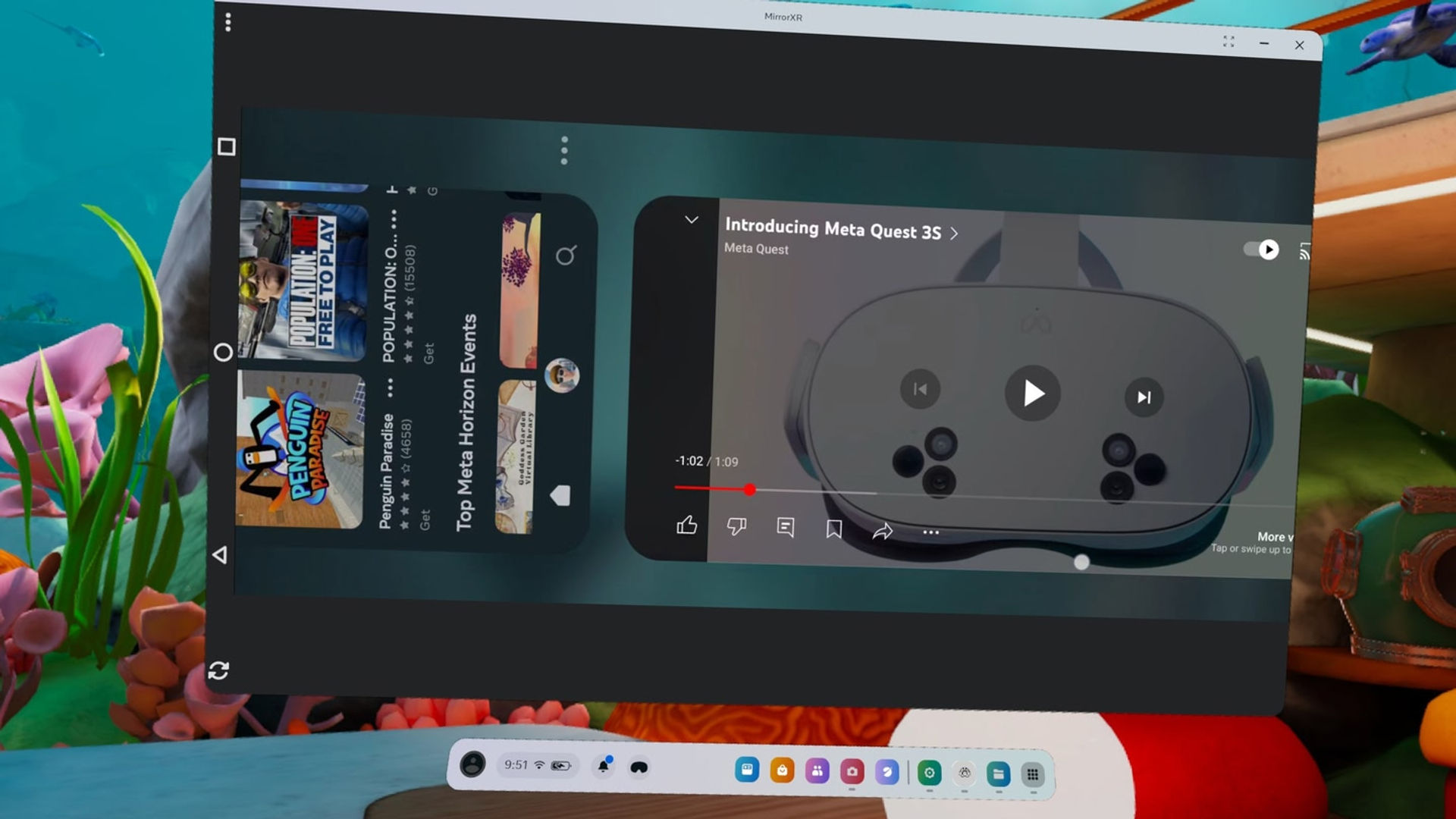
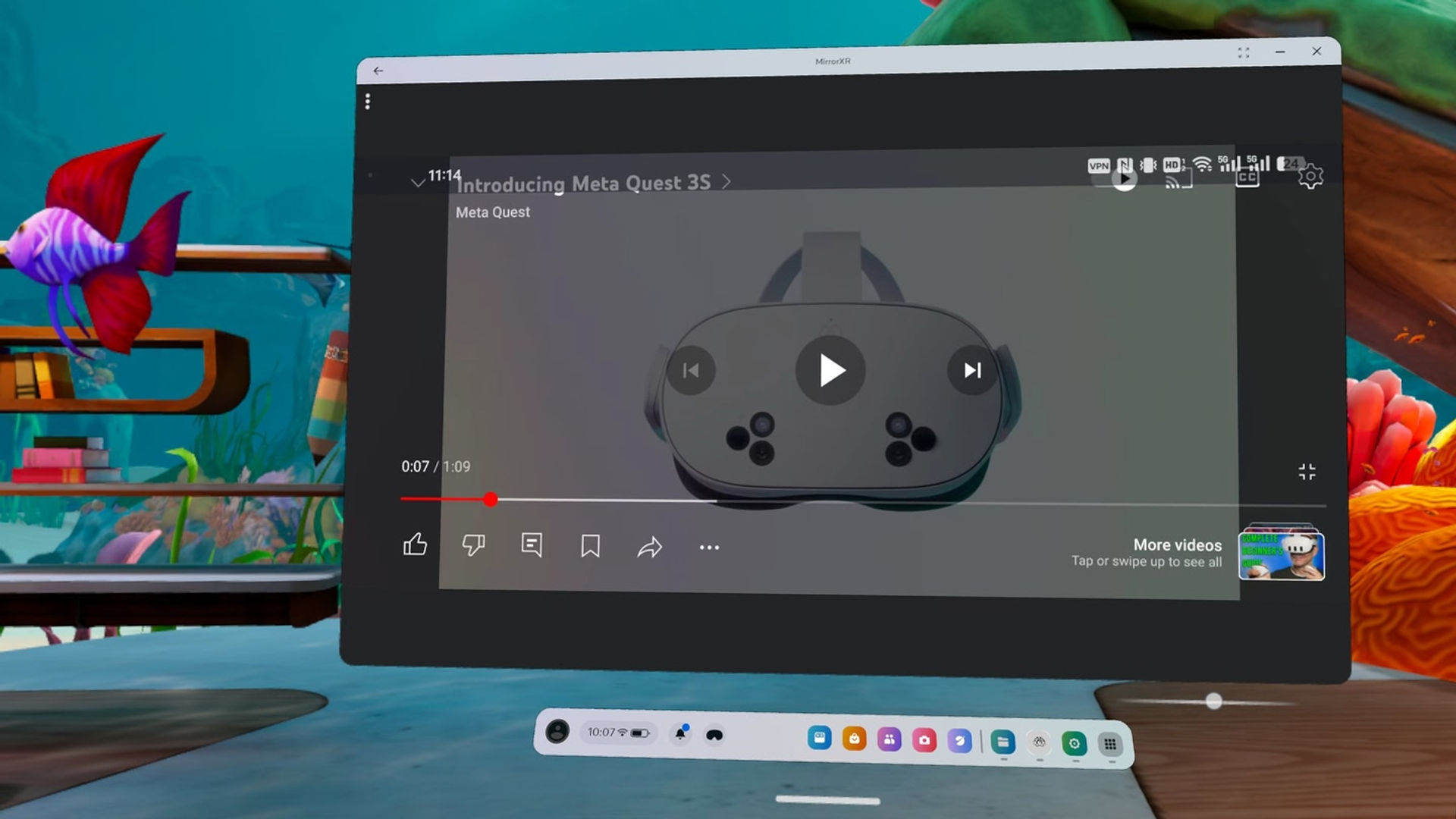
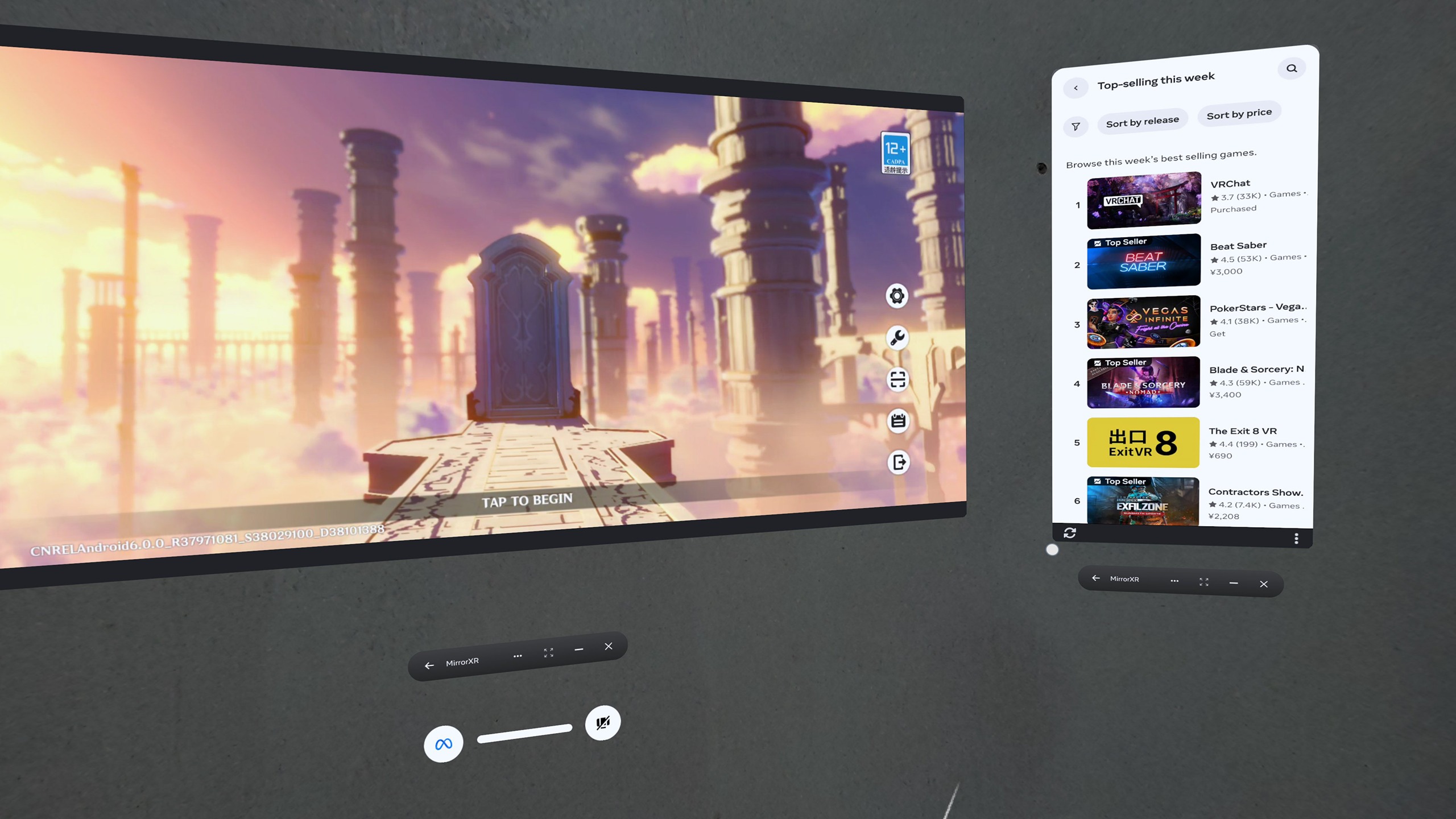
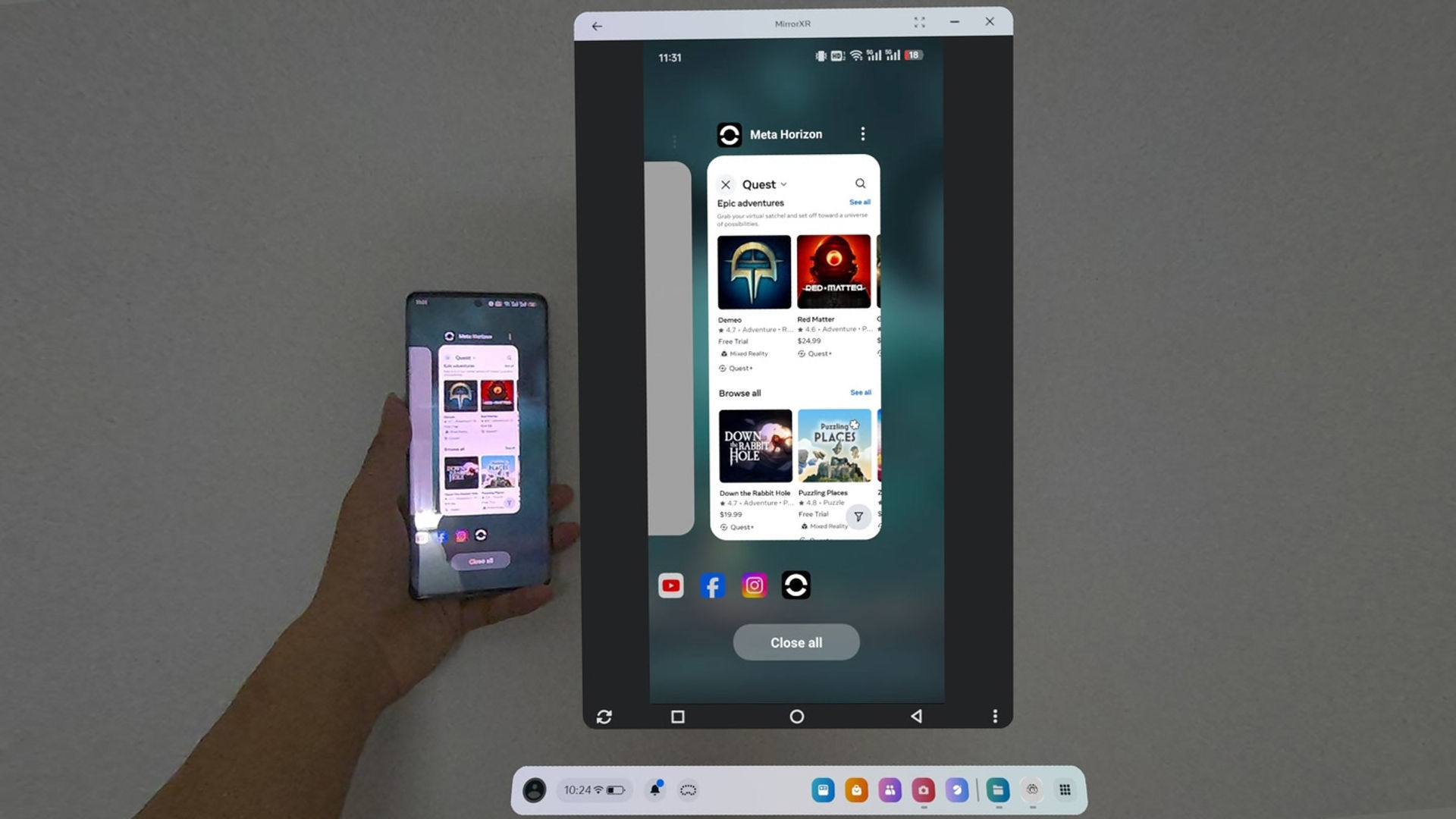
MirrorXR projects your Android screen to Quest headsets. You can manually resize the virtual display and operate your phone directly in VR—view messages, play mobile games, and browse short videos without removing the headset. {"height":1440,"type":"image","width":2560}
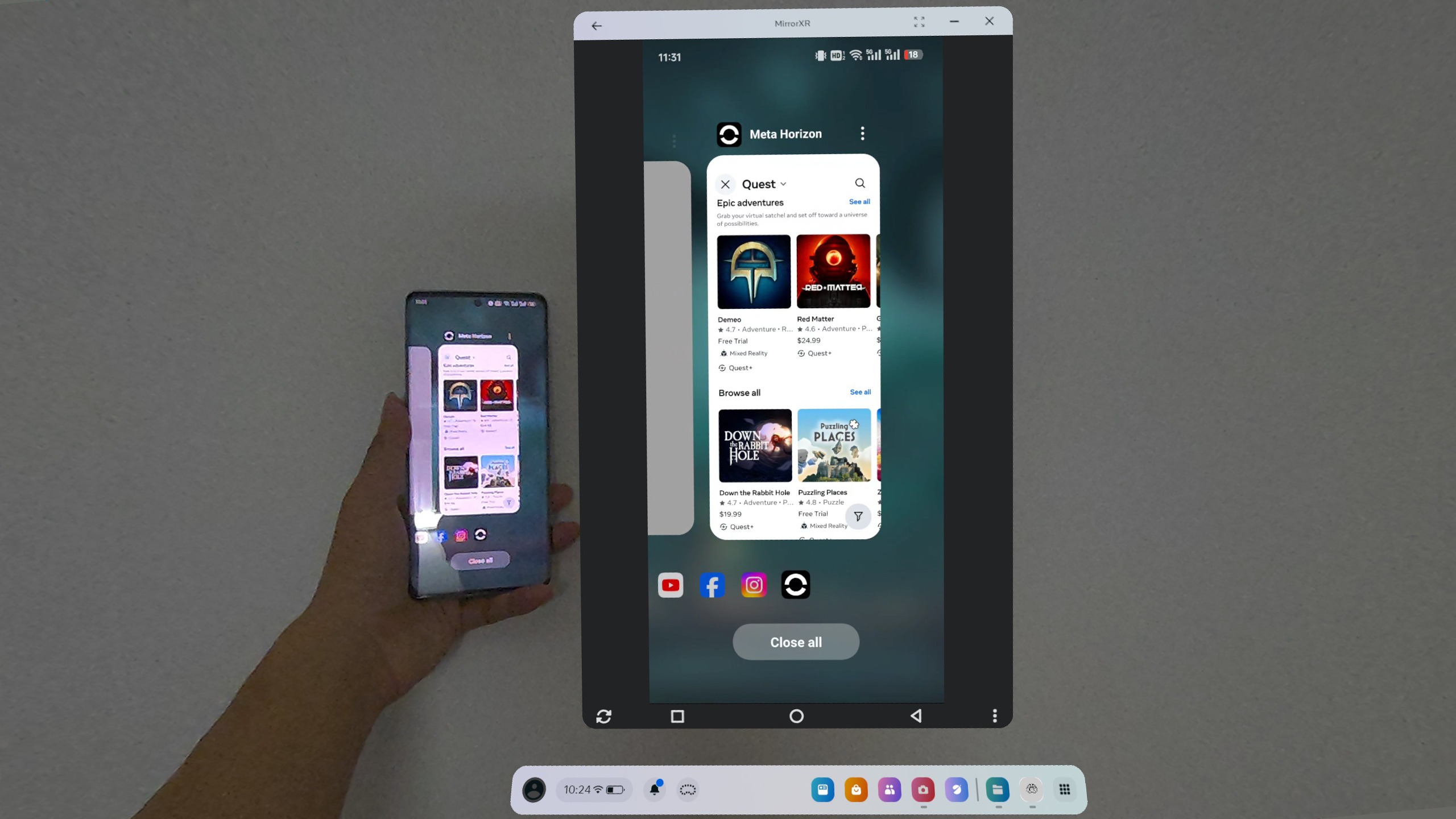
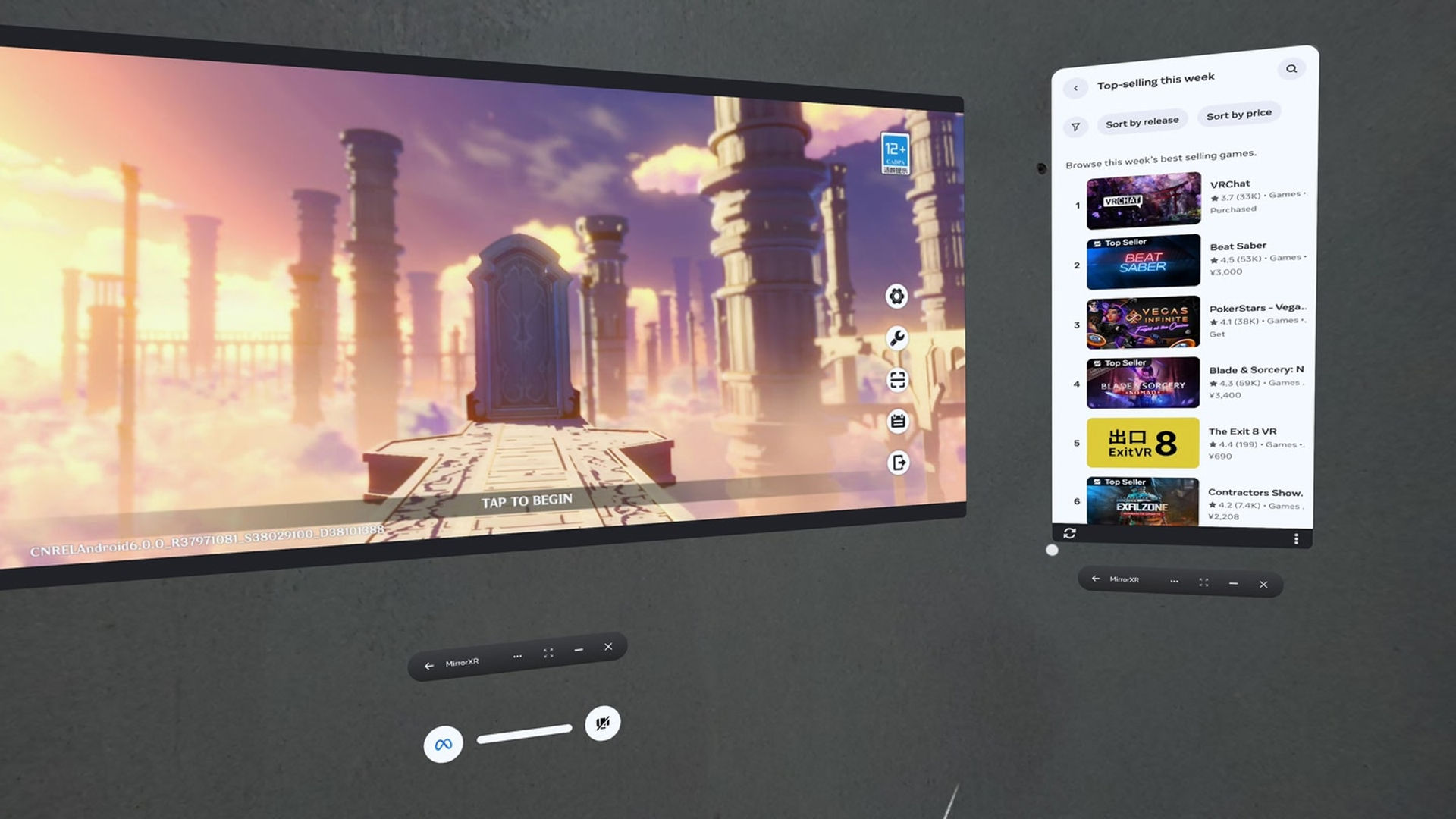
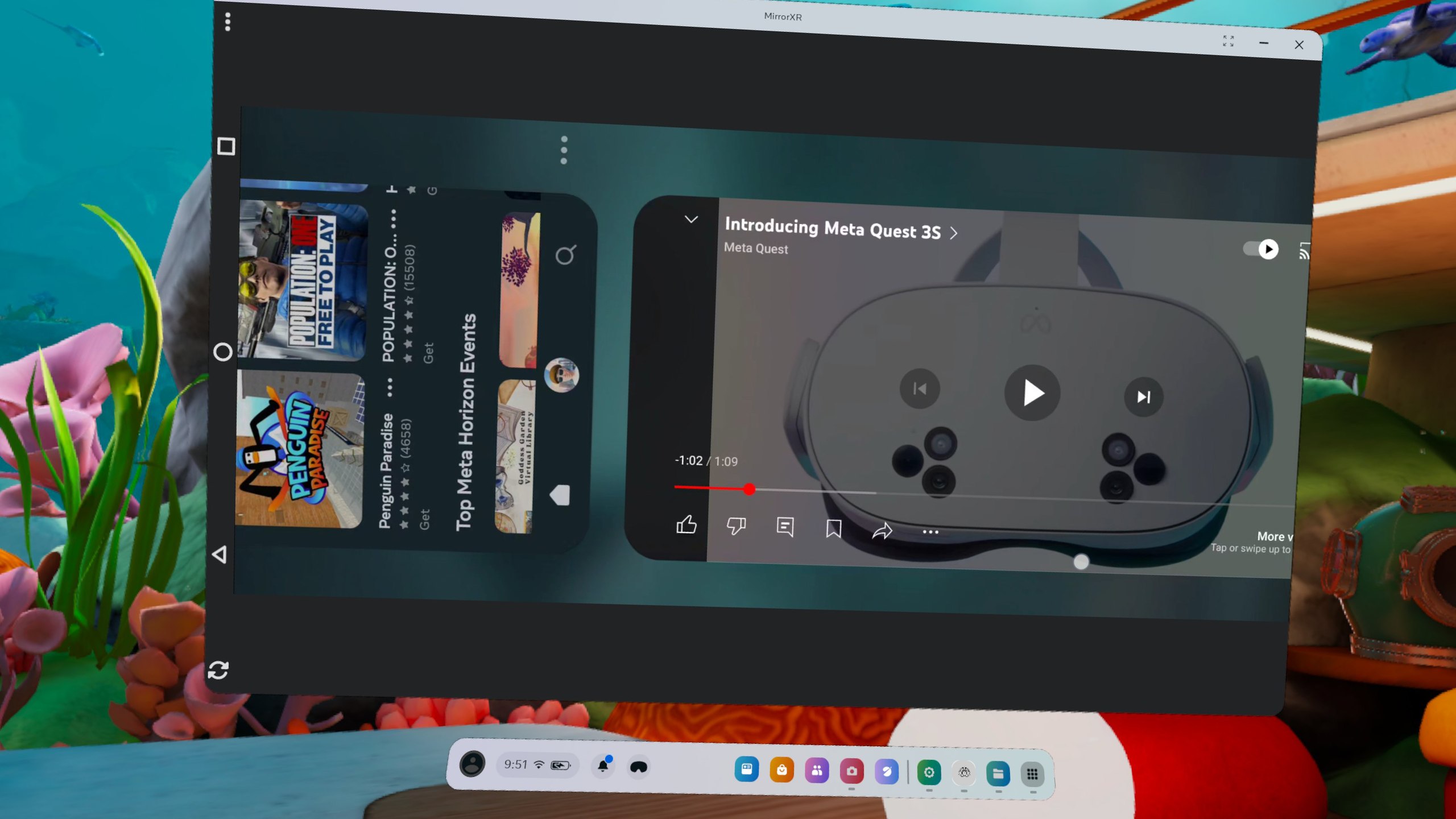
MirrorXR supports both real-time screen mirroring and single-app casting with high-resolution passthrough. It operates alongside other VR applications/games, allowing direct touch control on the projected content for a tablet-like interactive experience.
{"height":1440,"type":"image","width":2560}

New features(beta):

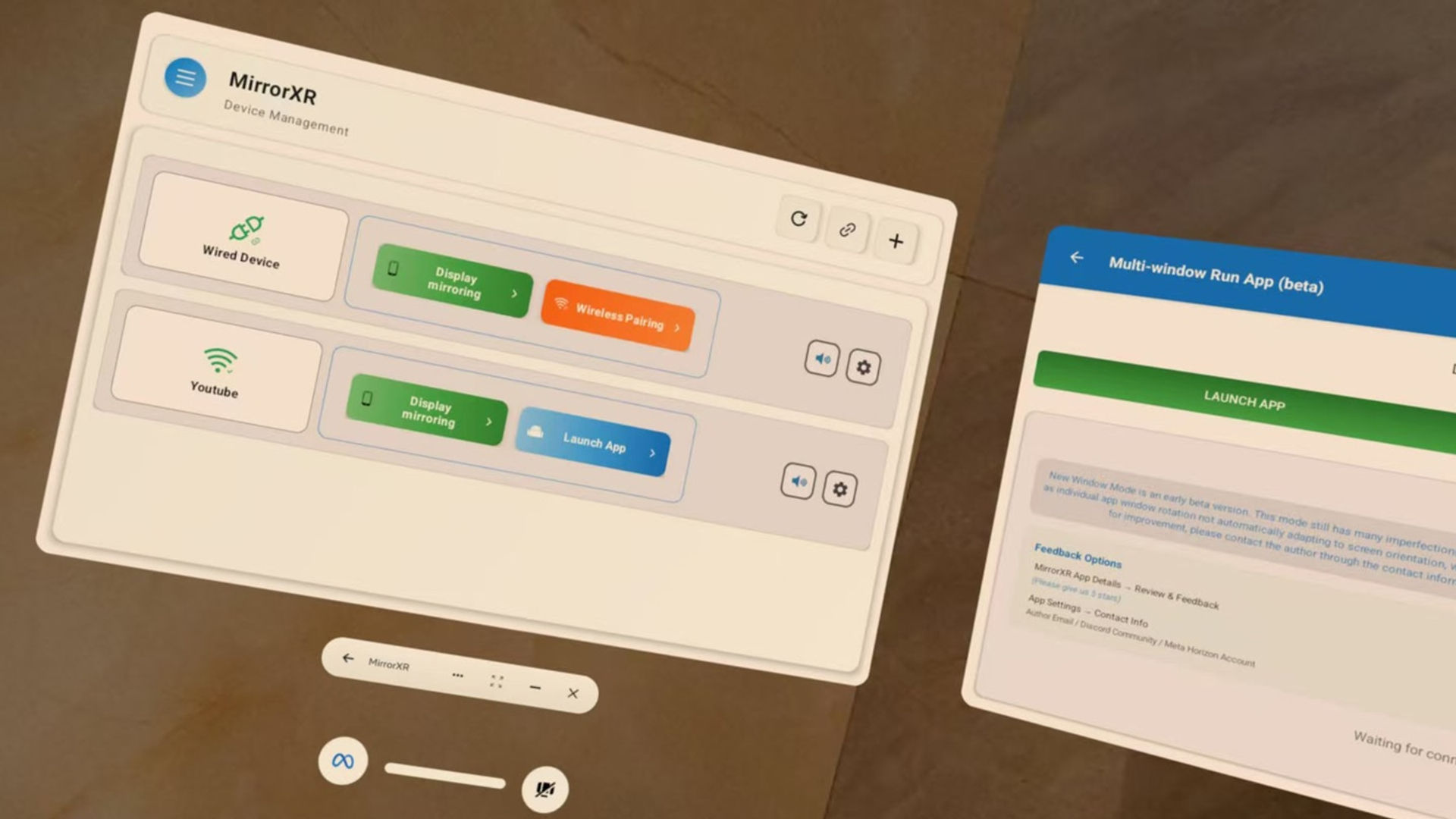
​​- Wired/Wireless pairing​​: Connect via WiFi or cable for ultra-low latency {"height":1440,"type":"image","width":2560} ​​- Multi-window multitasking​​: Run phone apps in separate windows for seamless multi-screen experience
{"height":1440,"type":"image","width":2560}

This app offers a free trial. Please try it first before purchasing. Note that some features are in active development with basic functionality available, and we are continuously refining and expanding them. We recommend evaluating if the current features meet your needs before purchasing. We welcome any feedback if you encounter issues.

For additional help you can reach out on discord : https://discord.gg/UhRh3FZPEb

Privacy Statement:

Your data stays private with end-to-end peer-to-peer connections. No additional data is collected or stored.

Show more Show less

Supported platforms

Additional details

Genres
Player modes
Game modes
Languages

Ratings & reviews

3.35

38 ratings

Oculus rating

Updates

MirrorXR v2.1.0 Update Notes

March 2, 2026

MirrorXR v2.1.0 Update Notes Highlights of this update: - Touch Position Display Get real-time touch position for easy operation, - Spatial Floating Navigation Bar Larger visible area with controls not blocking the screen, - Settings Page Redesign Lower the barrier to device settings with an…

MirrorXR v2.0.0 Update Notes

January 8, 2026

MirrorXR v2.0.0 Update Notes Highlights of this major update: Wired Connection Mode (quick pairing + low-latency direct connection), New Homepage UI (optimized for headset use), 17 languages support, plus various bug fixes and experience improvements. --- New Features and Experience Upgrades …

Player reviews

MalakM

February 25, 2025

5/5

New Use Case

Hello, I have downloaded the Mirror XR app and I am really enjoying the experience! I had an issue with no audio in my Meta Quest 3 when attempting to make or receive a phone call. All other audio works properly, however during a phone call the audio does not pass through from my phone to the Meta Quest 3. The call audio is only heard on the actual phone. My phone is a Samsung Galaxy S10. Edit*: I see. So either Android or Samsung security measures don't grant permission to phone call audio for developers. Thank you, Michael

8 found this helpful

UFOsoldier_onX

January 13, 2025

4/5

Gets me there

The interface is a little clunky, but it allows me to interface my meta3 with drone feed coming from an android

8 found this helpful

Stefanogalla

October 21, 2025

5/5

Worked great and very useful!

Works great and I pinned this app to the start menu becuase you can use it together with other apps and games running. Is very useful. Great job and support. Settings are not so easy to understand but once understood how to set it, the app is easy to use.

6 found this helpful

Dano8601

January 9, 2025

5/5

Solid app!

Only mirror app that allows you to control your phone from inside quest using hand or control gestures!

5 found this helpful

jamesmysmith

August 19, 2025

2/5

Netflix not working

I managed to set up the app and it was working perfectly on other apps but when I tried netflix the video wasn't playing on the app and you could only hear the audio and see subtitles. Other apps like YouTube worked fine.

4 found this helpful

Show all reviews on Meta

Related games

Discover

Browse

Blog