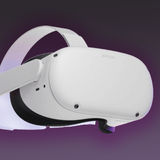
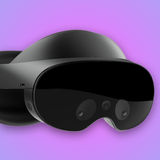
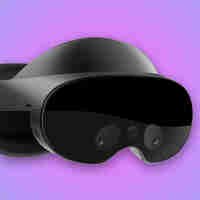
OVR Metrics Tool shows performance metrics for apps on Meta Quest and Meta VR Glasses, including frame rate, heat, GPU and CPU throttling values, and the number of tears and stale frames per second.
In Report Mode, the tool records a performance report about a VR session that you can read after the session ends. You can export report data as a CSV with PNG graphs. In Performance HUD Mode, the tool shows performance graphs over your running app as a HUD overlay.
Apps can also define custom metrics to track their own performance data alongside the built-in stats.
OVR Metrics Tool works with any app, including those built with Unity, Unreal, or the native SDK.
For more information, see the OVR Metrics Tool guide in the Meta Horizon developer documentation.
Before you install, update or uninstall: doing any of these while a VR app is running restarts the system UI. You will see a black screen for a few seconds and the running app will close. Close your apps first.