Об игре

Дата выхода

21 октября 2024

Издатель

Microsoft

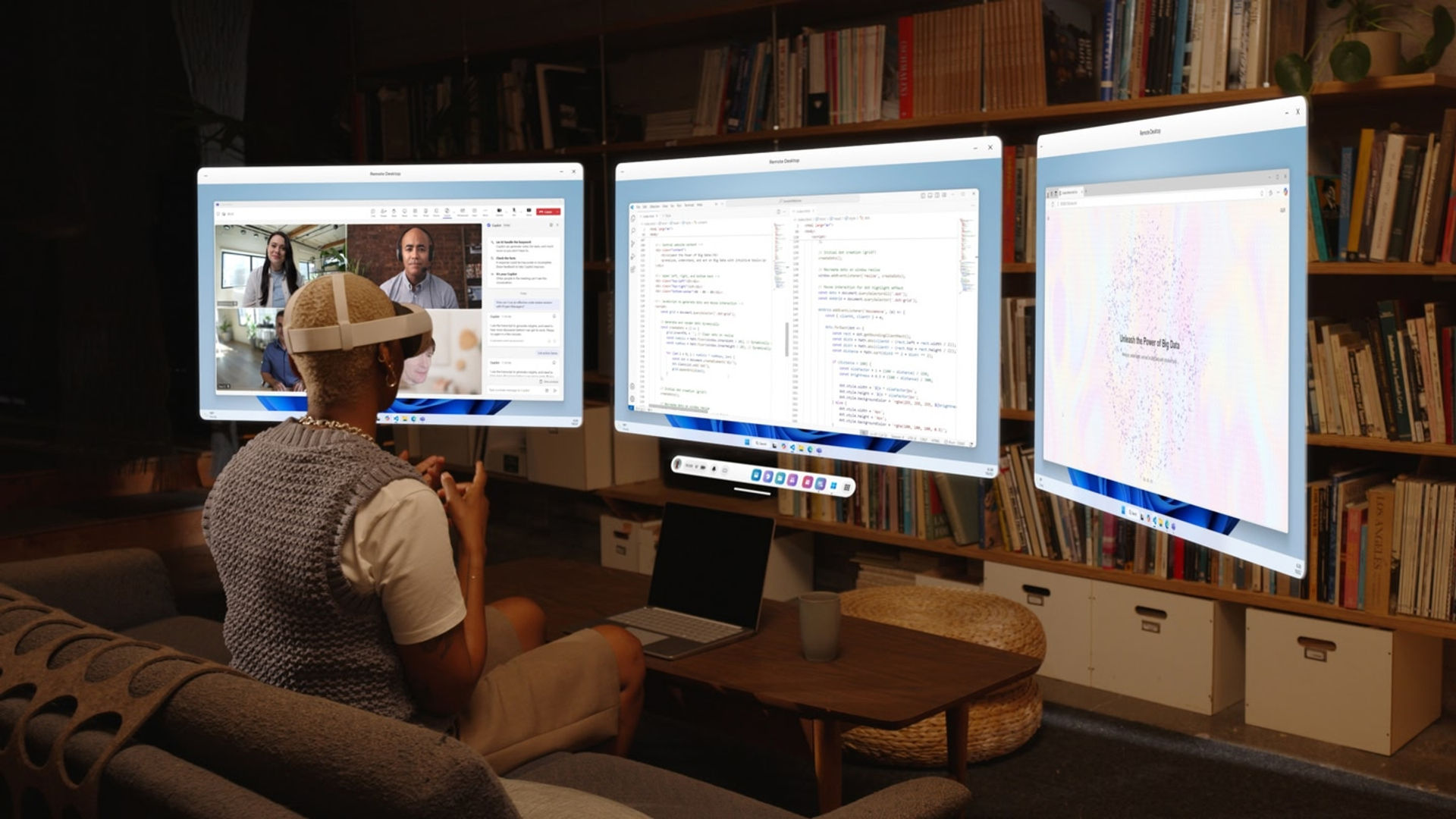
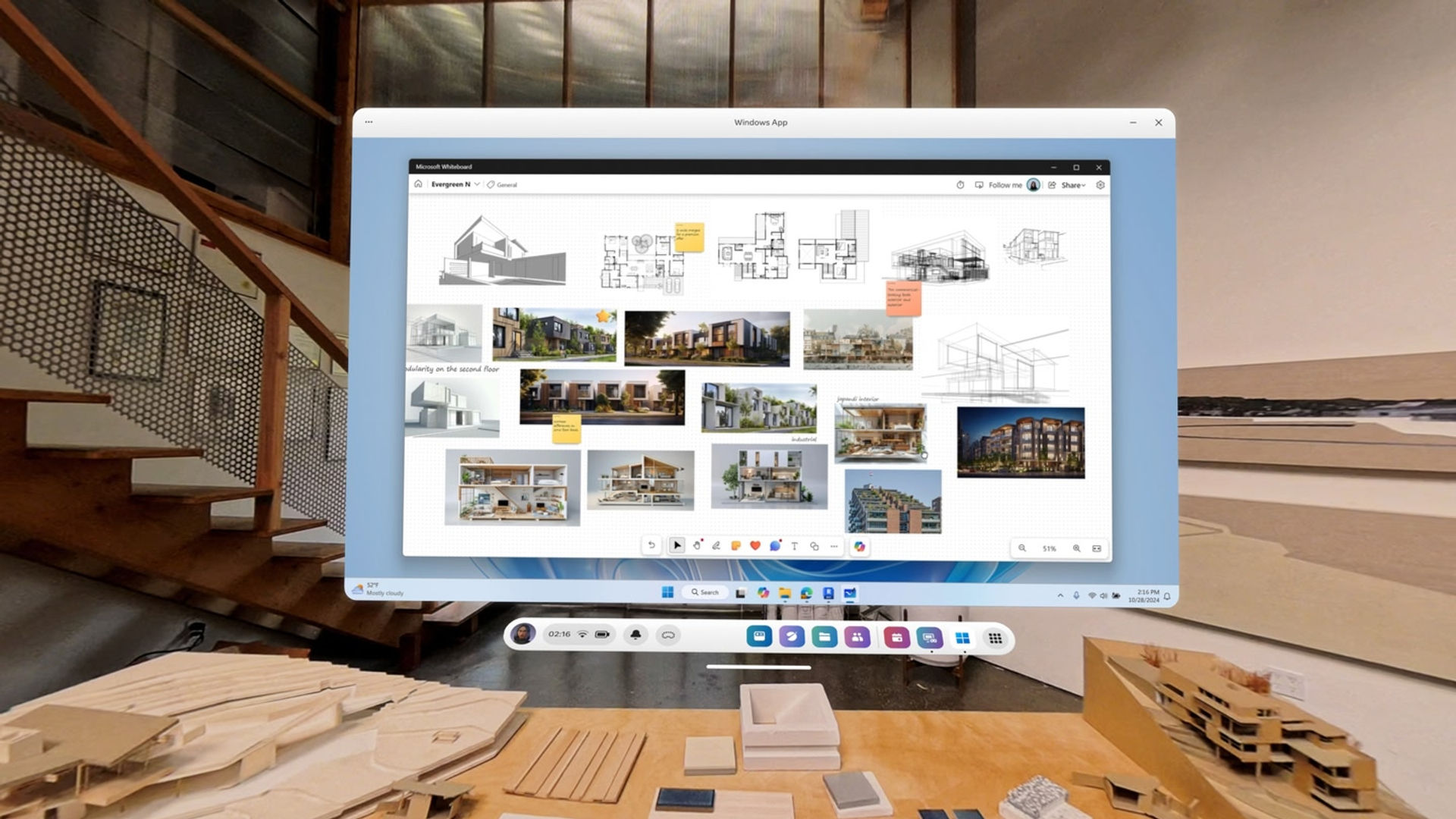
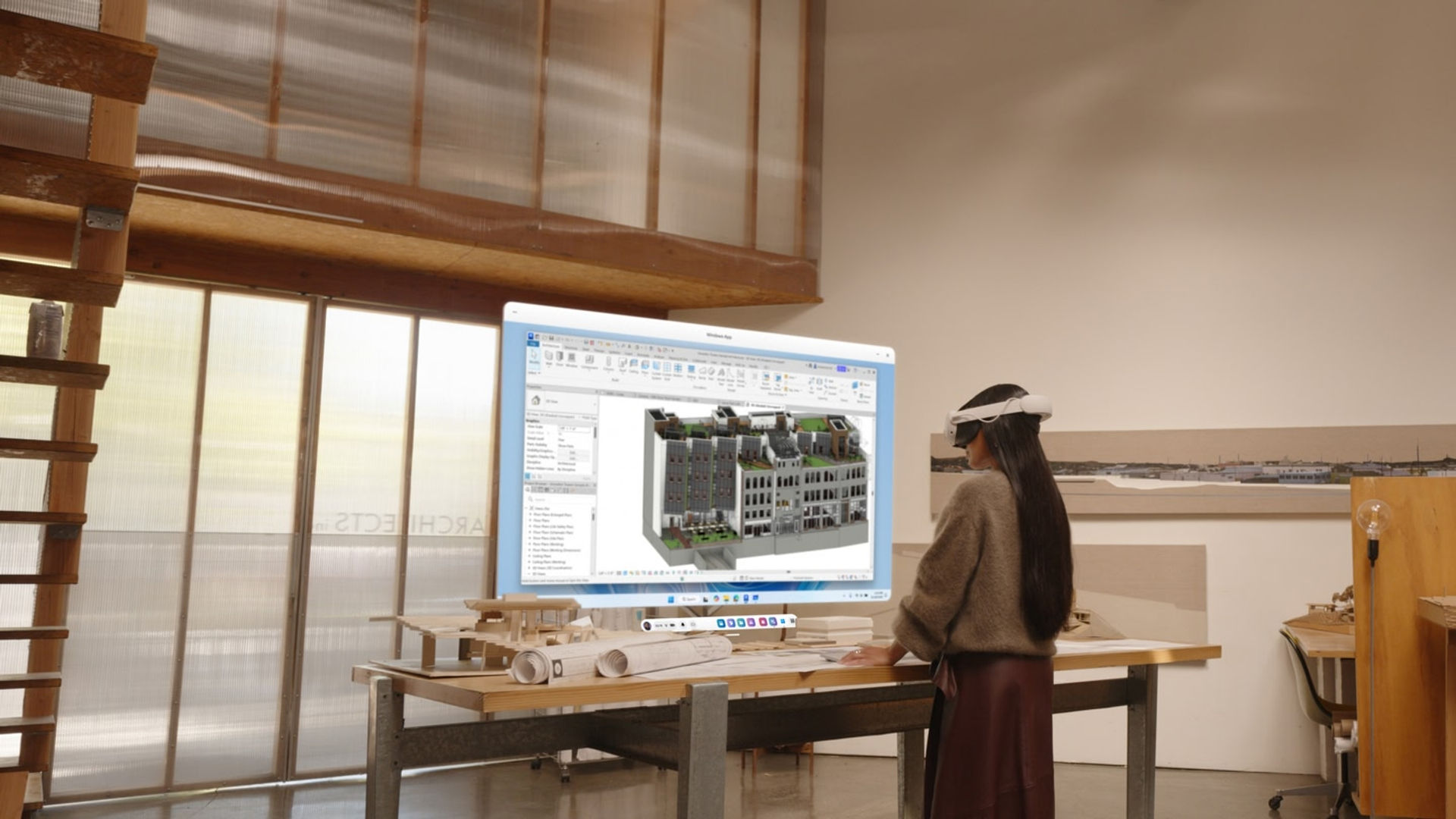
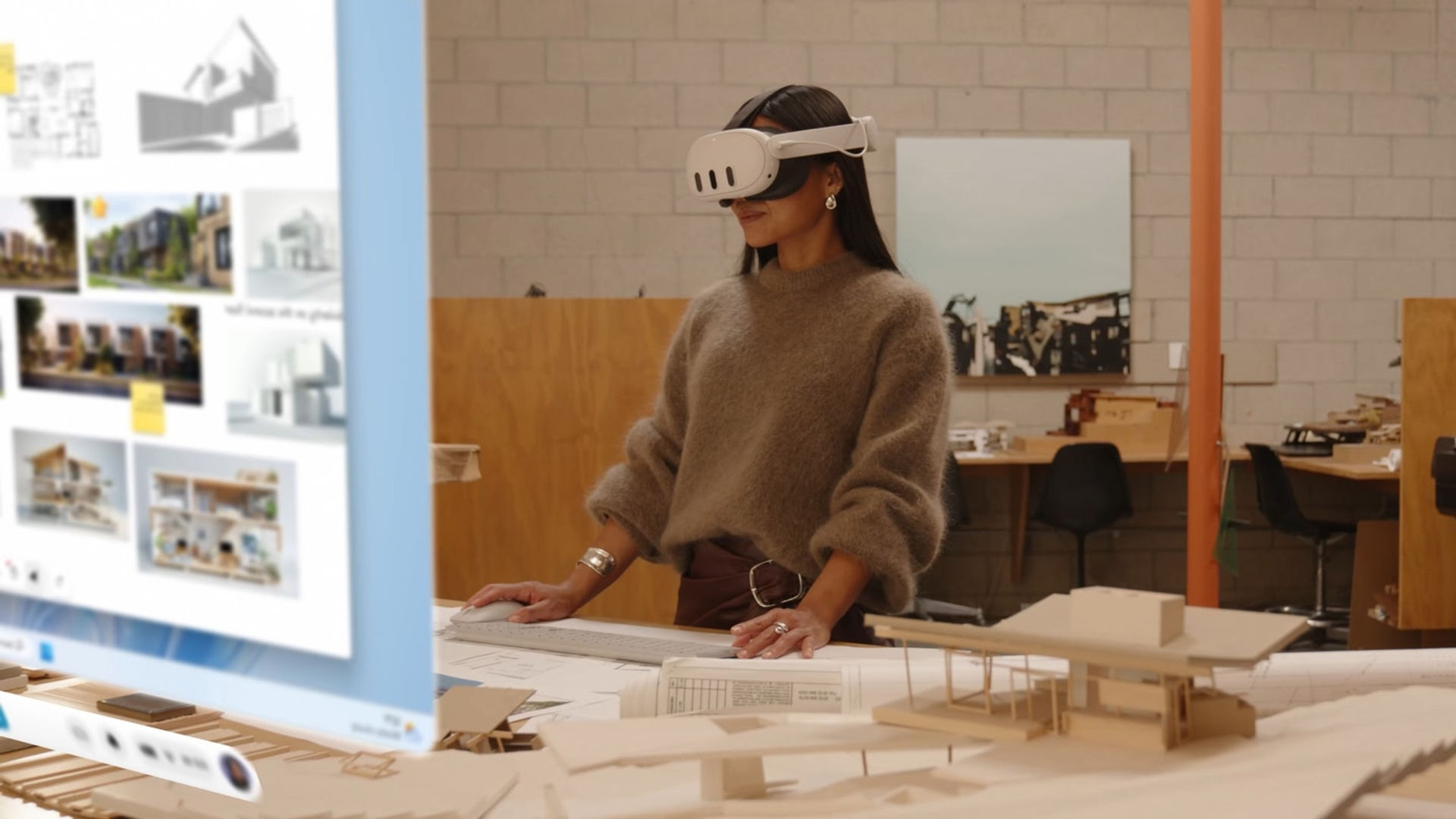
Windows App теперь доступно на гарнитурах Meta Quest 3/3S, расширяя возможности Windows 11 непосредственно на вашу гарнитуру. Наслаждайтесь высококачественным, приватным подключением к многомониторной рабочей станции, позволяющим бесперебойно работать в обстановке смешанная реальность .

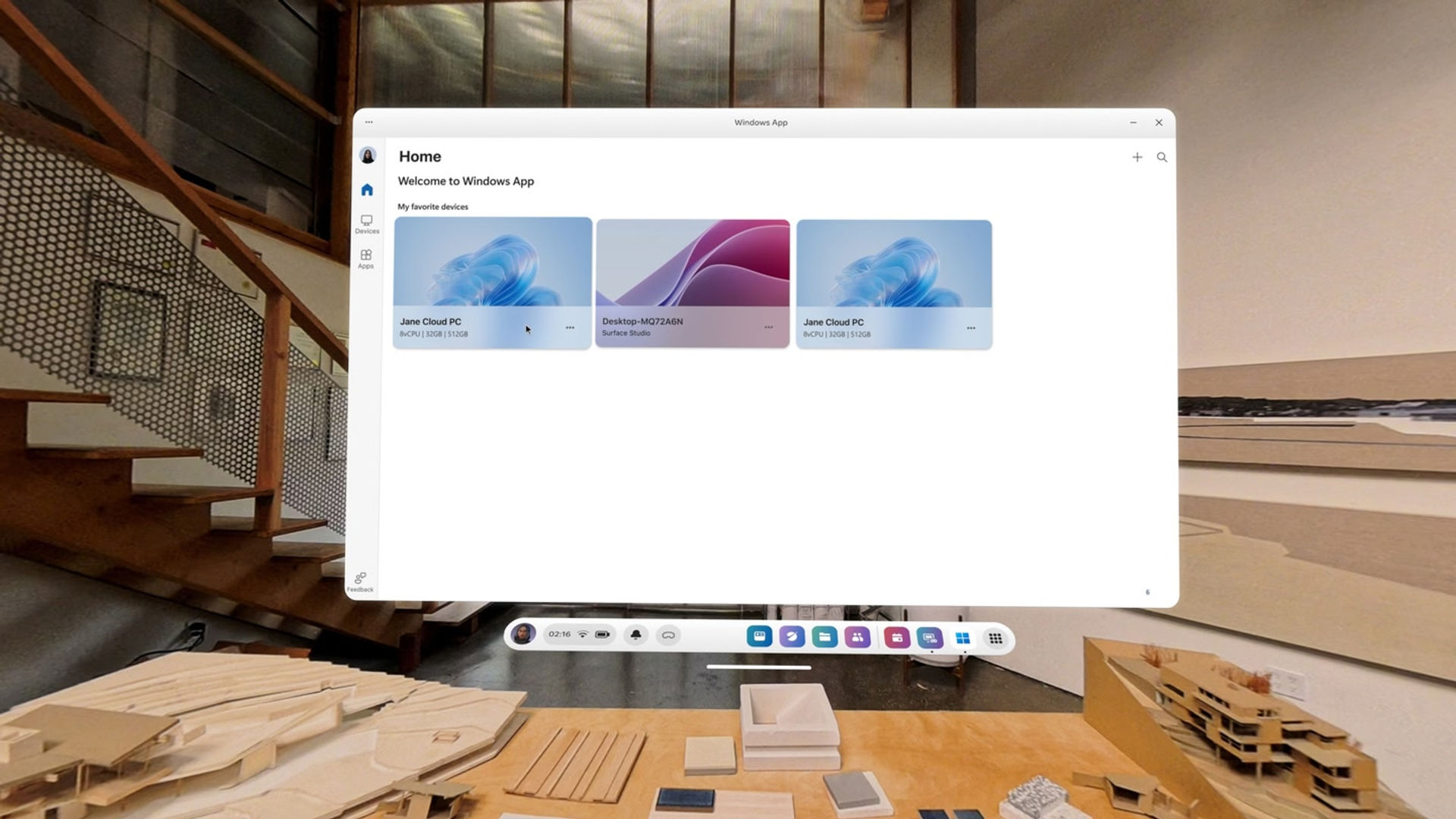
Windows App обеспечивает работу Meta Quest Remote Desktop при подключении к вашему ПК с Windows 11. Оно также позволяет подключаться к вашему облачному ПК с Windows 365, предоставляя доступ к вашему персонализированному рабочему столу Windows, приложениям, настройкам и контенту, транслируемому из облака Microsoft. Кроме того, вы можете подключаться к Azure Virtual Desktop, Microsoft Dev Box и другим сервисам для обеспечения портативной работы с компьютером.

(Для получения дополнительной информации перейдите по ссылкам ниже)

Показать больше Показать меньше

Поддерживаемые платформы

Дополнительные сведения

Оценки и отзывы

2.95

201 оценок

Рейтинг Oculus

Отзывы игроков

juanjuan2925

7 декабря 2025

2/5

Confuse

I was under the impression that this app would let me use my computer programs inside VR just like I would on a normal screen, not just mirror the display. Right now, it seems like all it’s doing is mirroring and I can’t really interact the way I expected. Could you let me know if I’m using it wrong or if there’s another way to do it?

Сочли полезным: 324

ZarathustraDK

3 июня 2025

1/5

Meta for business account required

I was/am intending to use this app to access my works Windows 365 cloudpc directly, but apparently, for some reason, a Meta for Business account is required to use the cloudpc option, which is super-dumb if you're running zero trust and 2-factor authentification to create a BYOD-environment. Please remove that requirement as it messes with companies that have a BYOD-setup as well as ordinary, non-business related people who wants to use Windows 365 cloudpc. I know Meta REAAALLY wants us to use their business suite tools, but stop making it a requirement as it will hamper adoption and create a chicken and egg problem when it comes to using VR for work.

Сочли полезным: 202

MojoVudu

21 октября 2025

5/5

Just like everyone else.. Updated.

Meta for business account required?? realy? Windows app on android, ios, mac or pc.. Fine. Meta? sign up for and pay for a meta for business account or no go. This is not ms making this play, its 100% meta. update: meta for business no longer required! Works great for my Win365 sub and for my AVD host. Thanks for listening to community feedback Meta/MS!!

Сочли полезным: 94

Greg.Szabo

21 марта 2026

1/5

The last update broke the app

Since the last update this week (2026.03.20) it is not possible to connect to a computer using this app. When it should display the instructions and read the qr code from the pc, it doesn't display anything at all.. It wasn't very useful before but it is unusable now...

Сочли полезным: 86

CrazyBAM

2 февраля 2025

1/5

Somehow not working

I thought I could connect my keyboard/mouse with my quest 3 and use it as input for my computer. It looks like, it is just a mirror app where you have to be on your computers keyboard and mouse I uninstalled it quickly because I am using Virtual Desktop which is awesome. I am also enable to use my quest 3 controllers as mouse or as gamepad in game.

Сочли полезным: 55

Показать все отзывы на Meta

Похожие игры

NEX 3D Video Player NEX 3D Video Player
  • Утилиты
  • Подключение к компьютеру
NEX 3D Video Player

Бесплатно

WiVRn WiVRn
  • Утилиты
  • Подключение к компьютеру
WiVRn

Бесплатно

CYBIONYX InMotion CYBIONYX InMotion
  • Утилиты
  • Подключение к компьютеру
CYBIONYX InMotion

10,99 €

ALVR ALVR
  • Утилиты
  • Подключение к компьютеру
ALVR

Бесплатно

Открыть для себя

Каталог

Блог