








About

Release date

January 10, 2023

Publisher

BadVR

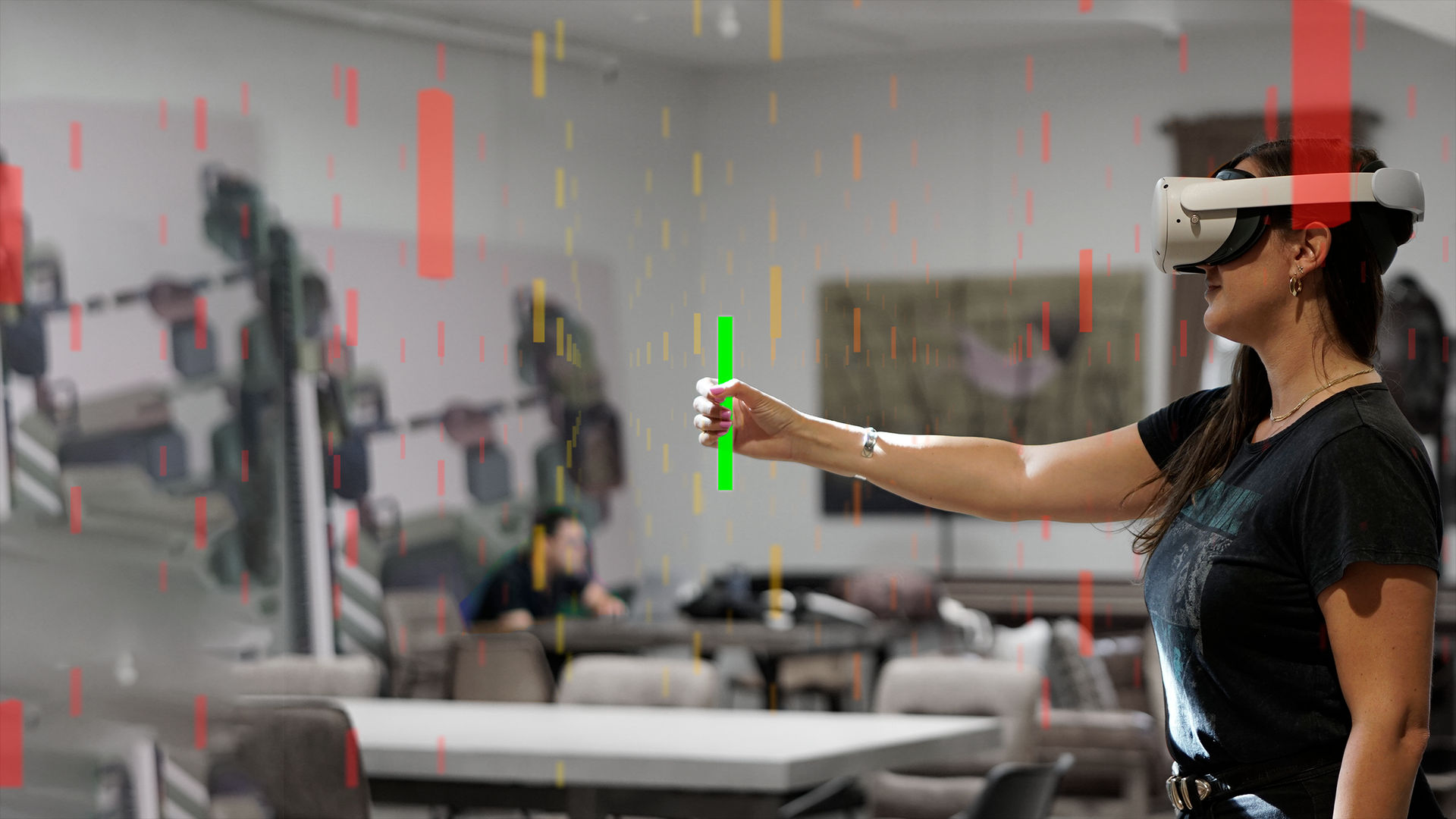
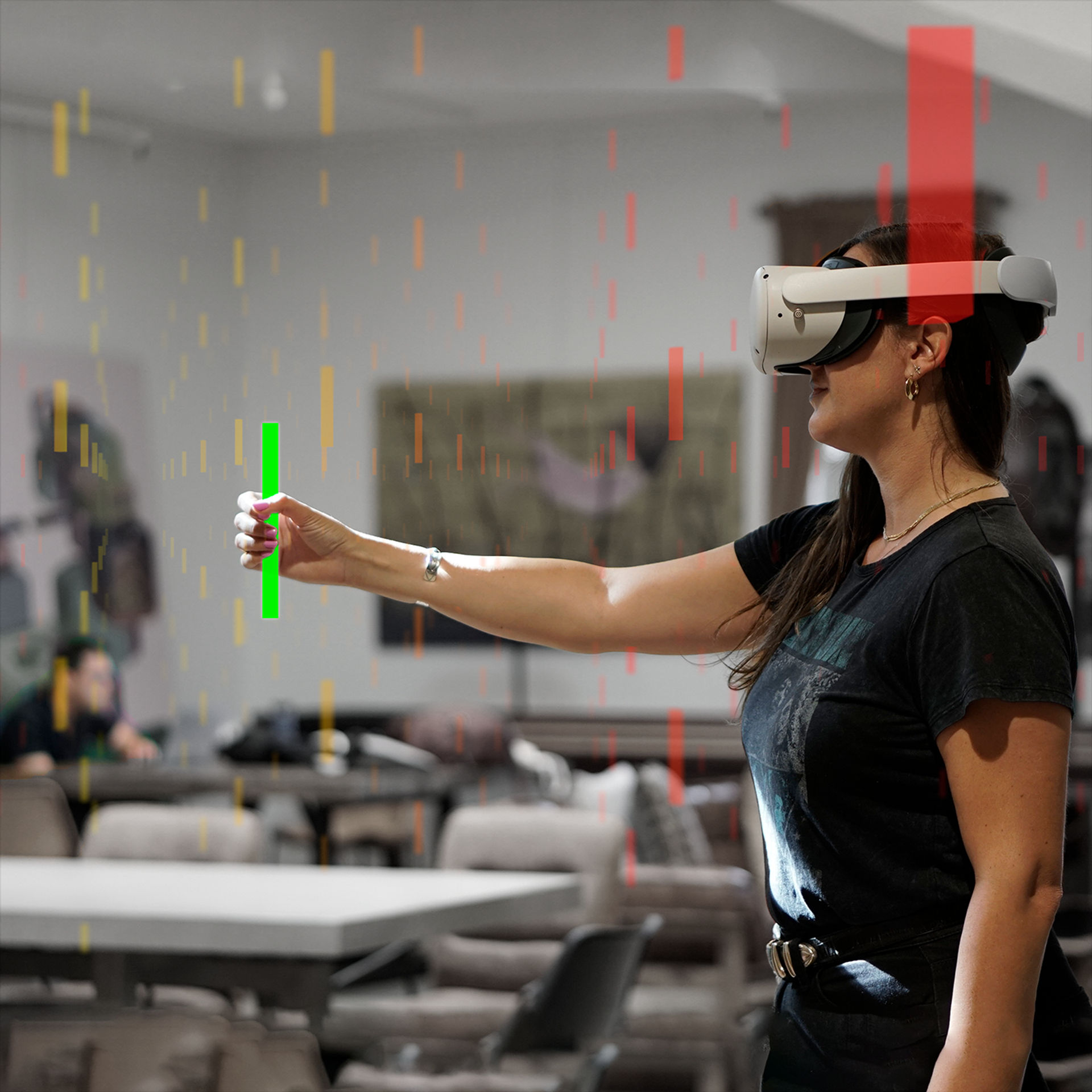
SeeSignal is an innovative productivity and learning tool that harnesses the power of immersive technology to visualize previously invisible wireless signal data as engaging, interactive holograms, overlaid onto real-world environments. Explore your room, home, or office to quickly discover hot spots and dead zones.

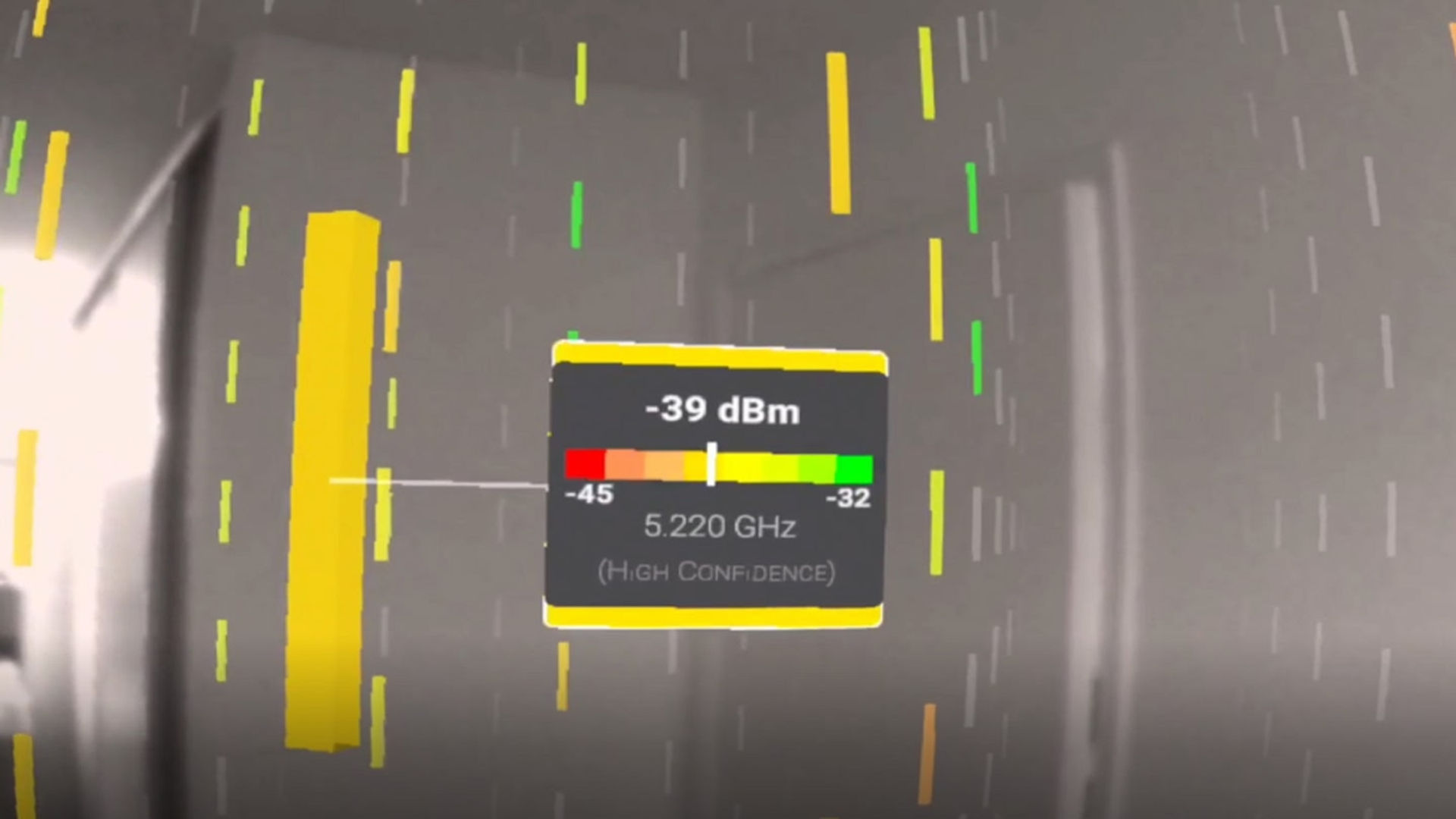
Using cutting-edge data spatialization and sampling algorithms – the SeeSignal app quickly discovers wireless networks in your local environment, allowing you to simply and easily select one (or more) networks to visualize, holographically. Simply reach out and touch these holograms to get accurate signal readings anywhere in space!

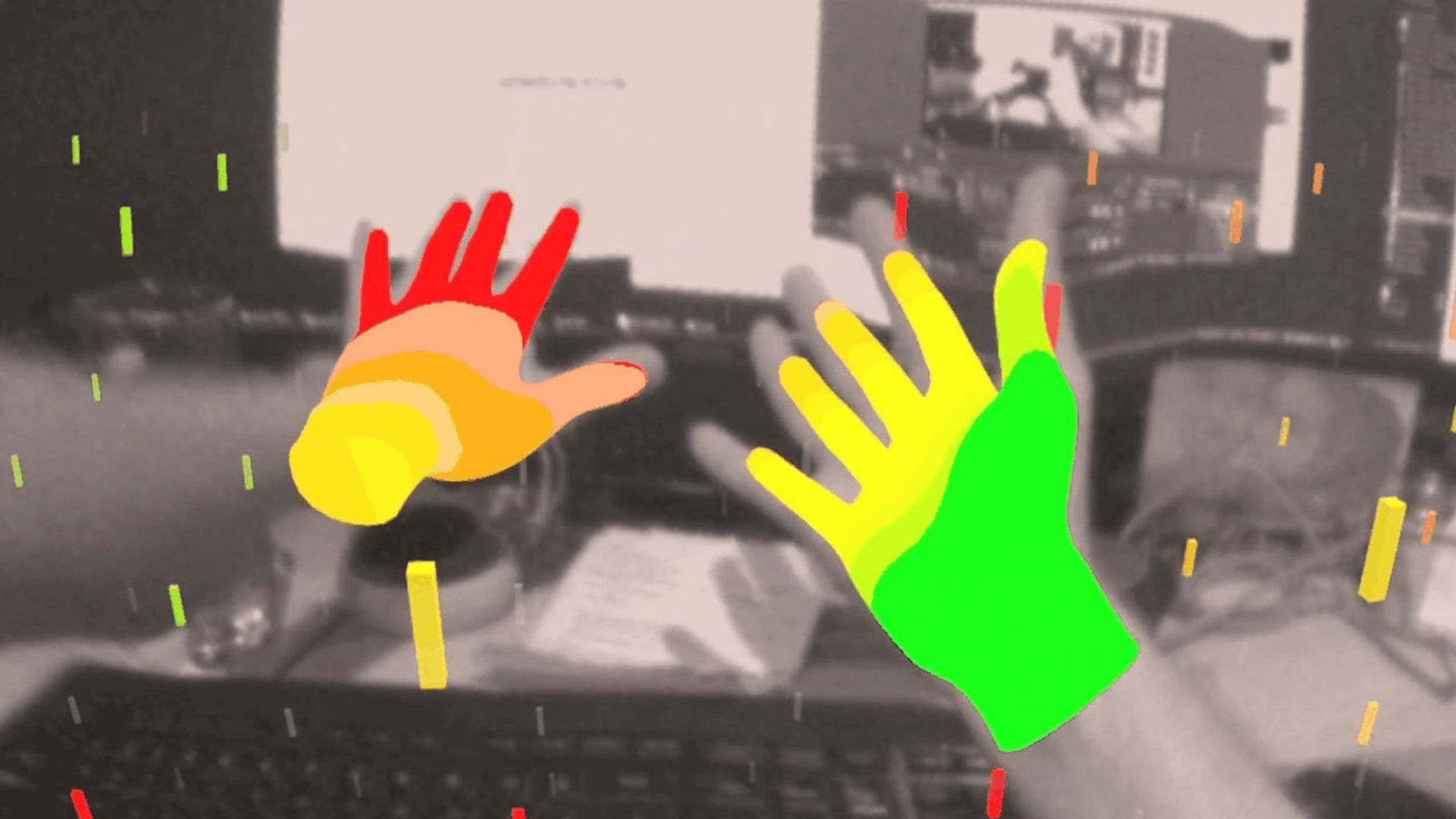
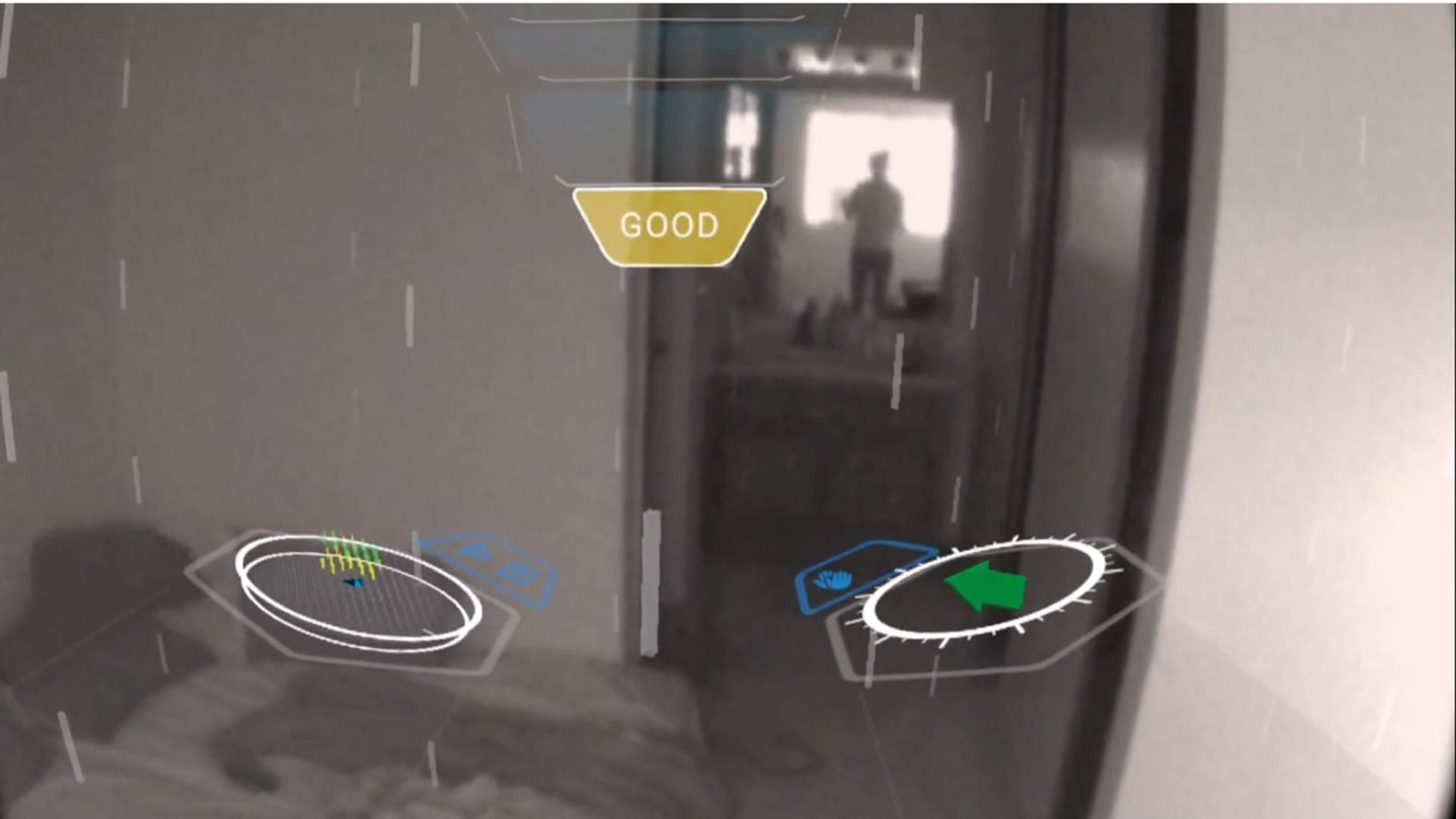
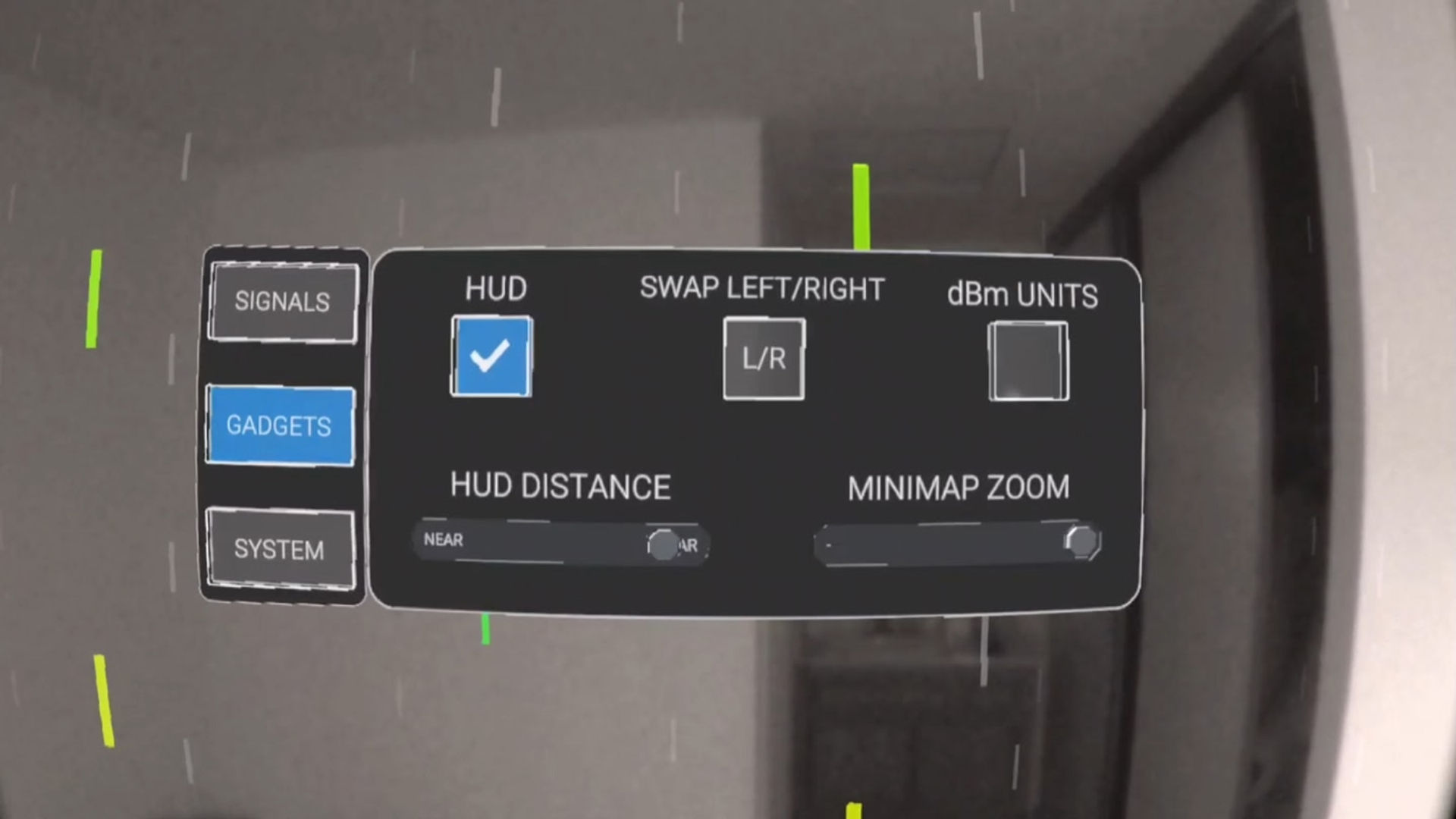
Additional app features include accessibility support for colorblind users, gadgets that allow you to locate equipment, and a first-ever ‘WiFi hands’ option! Controllers are not required but can be used if desired.

Show more Show less

Supported platforms

Additional details

Genres
Player modes
Game modes
Languages

Ratings & reviews

4.55

17 ratings

Oculus rating

Player reviews

daniel_schaf

October 24, 2024

4/5

Interesting app, crippled by Meta

This is one of those apps that Meta crippled with their boundary system. No, I don't want to map the whole house and never move anything before using an app like SeeSignal. Disabling the boundary system does work, but it requires developer mode and it will deactivate passthrough for many apps ... because, when you don't have a boundary to protect you, it's safest to disable your eyes too! /s

27 found this helpful

Katux

January 26, 2023

5/5

Incredibly Useful and Unique Tool

I have used SeeSignal to troubleshoot connectivity issues in my place many times. SeeSignal is a must- have for anyone working or gaming from home! I cannot wait to see what is next on this app!

5 found this helpful

wesunruly

August 6, 2023

5/5

More like this

This app is great, and even more important, it’s likely to inspire more types of spatial computing in the future. Love it! One of the first things I show most new users of VR

4 found this helpful

AaronAbram

March 22, 2023

5/5

Innovative and Cutting-Edge Technology

This app showed me exactly where my strongest Wi-Fi signal was and as a result, the apps I used were smoother than normal. The tutorial made it easy to get started. Now when I take my Quest 2 to others homes, I'll know exactly where to set it up based on the strongest internet connection. Wow, this app is so useful.

2 found this helpful

SURFHeadset1462

March 4, 2023

3/5

Has potential

The idea of showing wifi strength like this isn’t new (there’s at least one AR phone app from a few years ago), but in MR it potentially can be more practical to work with, allowing handsfree usage. Interacting with the signal bars is easy, but I don’t understand why you’re showing the ones for which there is no signal measurement yet. It suggests some signal detection/prediction is being done at those locations, but that clearly isn’t the case. The HUD is a nice idea. The arrow didn’t see to point to the right direction though (ie roughly at my wifi AP). The biggest problem, unrelated to the app itself, is the Quest OS limit of having to set up a guardian with a fixed size. That simply doesn’t work when roaming around the house, and having the signal bars disappear when going outside the guardian. When the Quest OS becomes a real mixed reality OS (as HoloLens provides) such things will hopefully be solved.

1 found this helpful

Show all reviews on Meta

Related games

RAUM RAUM
  • Productivity
  • Events
  • Creativity
RAUM

Free

Discover

Browse

Blog