

关于

发行日期

2024年12月24日

发行商

Chicken Tractor LLC

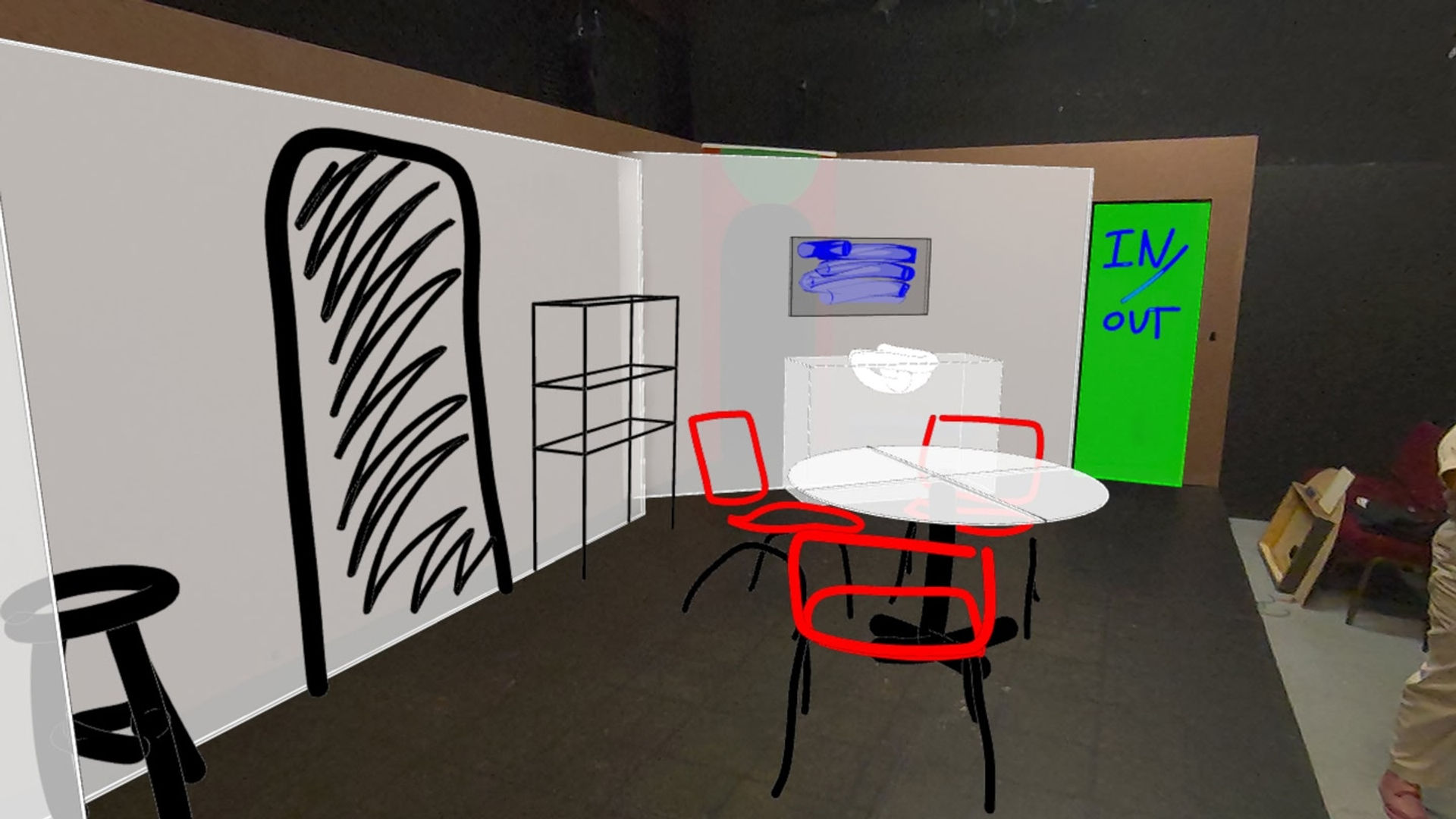
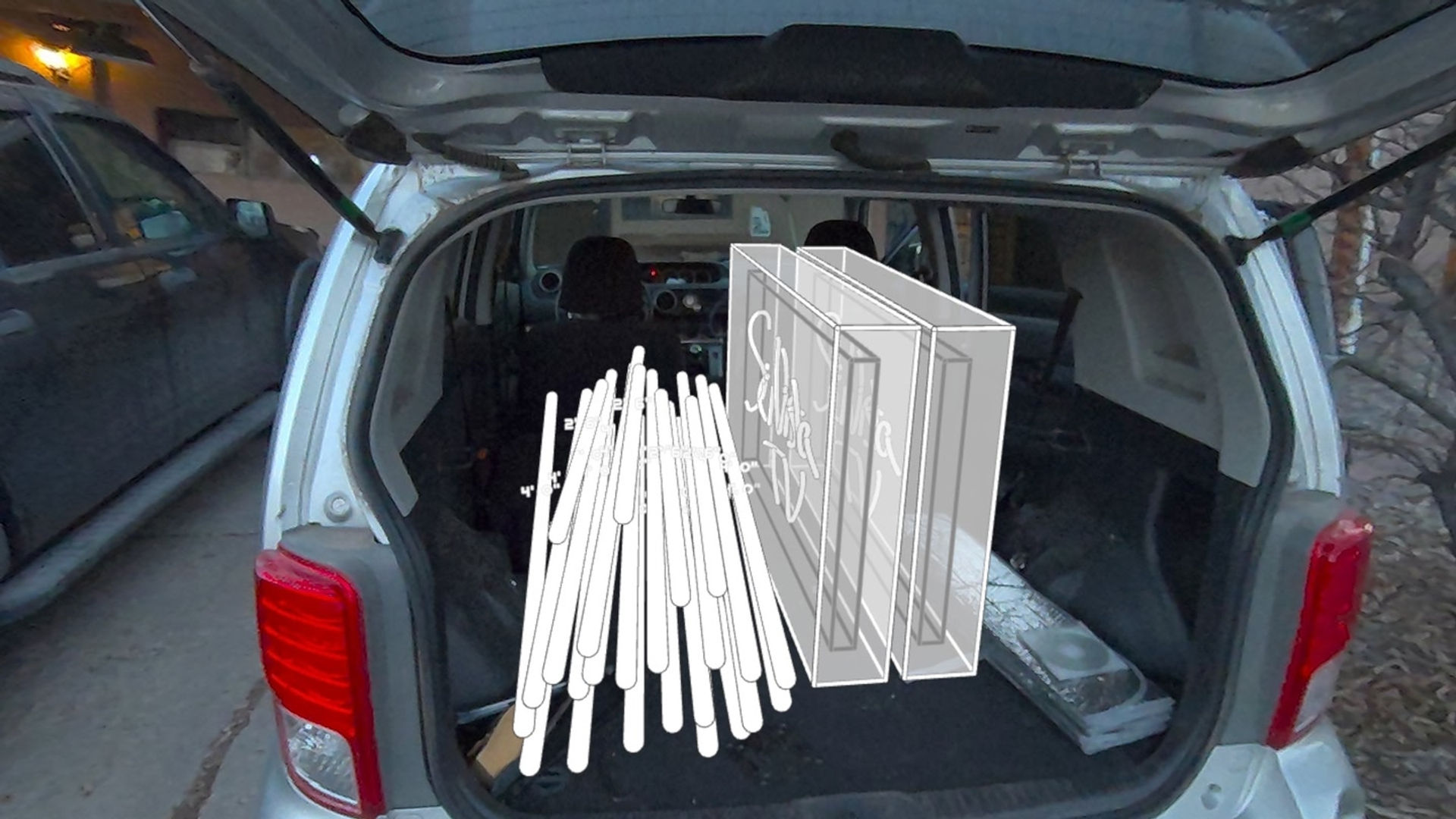
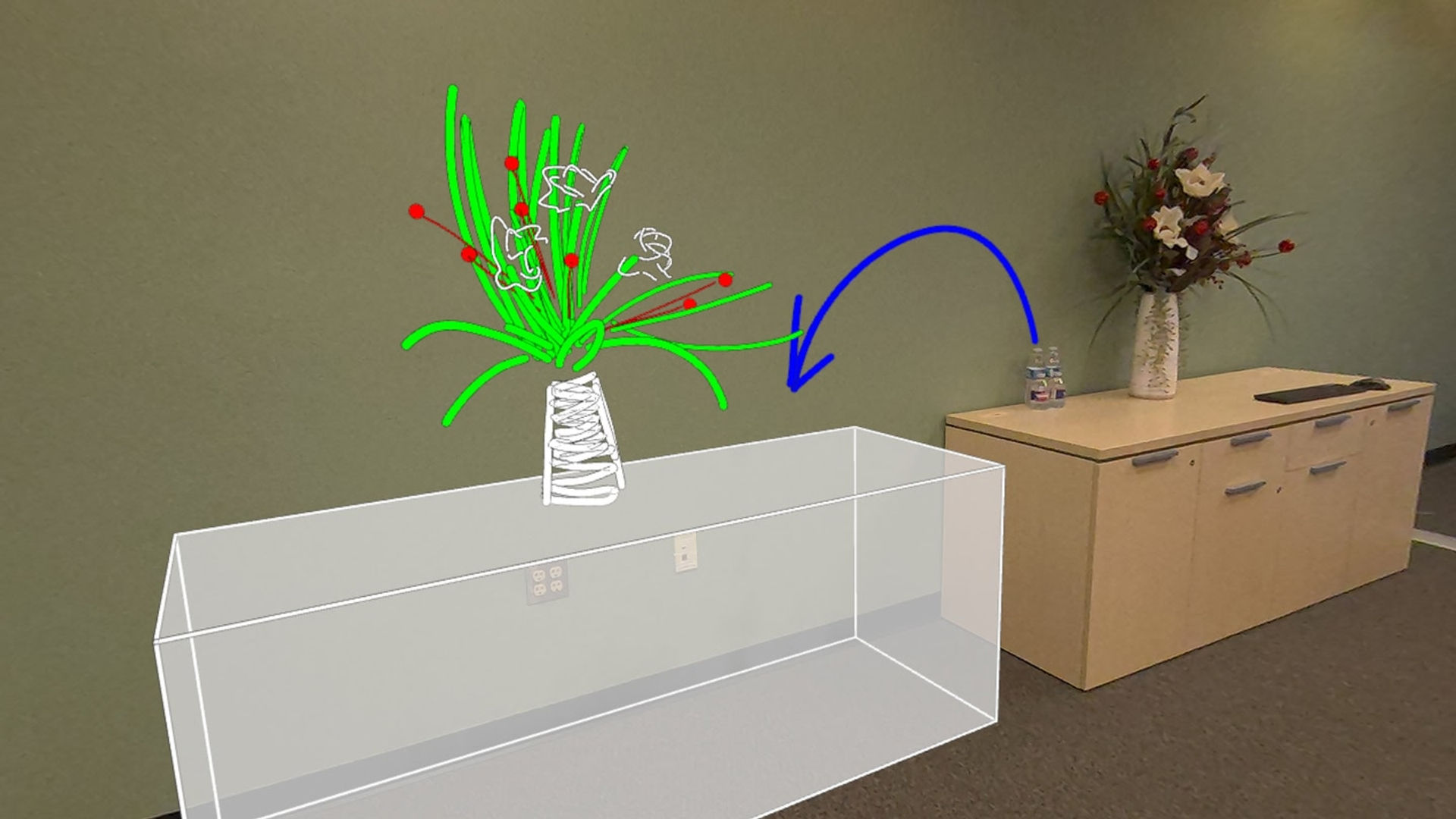
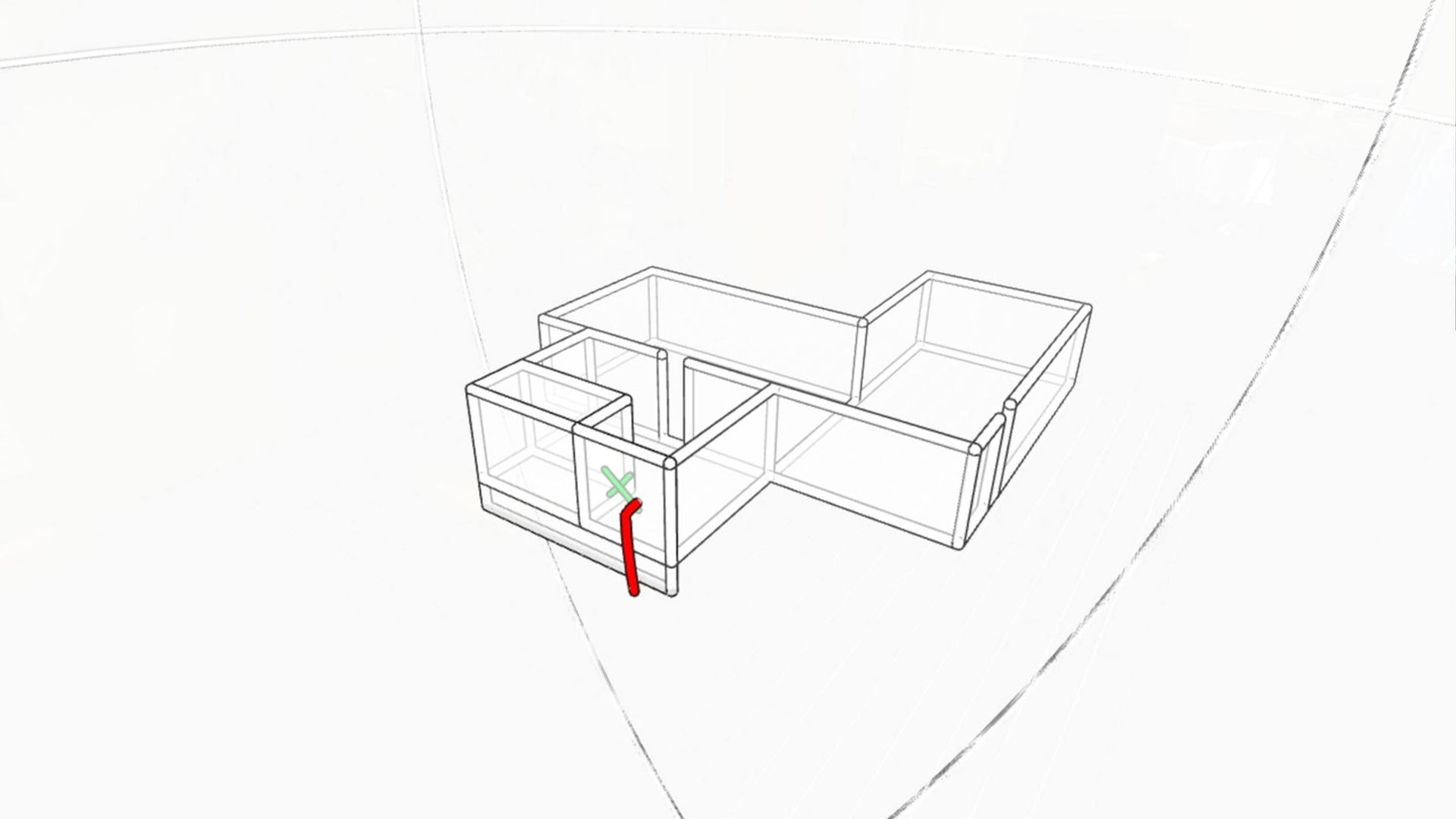
COCO 3D is the ultimate MR toolkit for spatial thinking, planning, and communication. Sketch, measure, and design concepts directly in 3D space. Whether you’re planning a remodel, mapping a project, or brainstorming ideas, COCO 3D helps you turn abstract thoughts into clear, tangible forms.

Key Features

  • 3D Sketching & Design: Draw lines, shapes, and forms in 3D, visualizing ideas from every angle.

  • Spatial Reasoning & Planning: Plan remodels, layouts, and pathways before making physical changes.

  • Room Scanning: Scan your entire room and create accurate objects with a single click.

  • Live Collaboration: Work with others to brainstorm and refine concepts in real time.

  • User-Created Sketches: Your sketches are stored locally on your device, giving you full control and privacy.

  • Intuitive VR Controls: Simple, hands-on controls make it easy for anyone to start creating.

Check out the support page for the FAQ and guides: https://coco3d.app/support

And join the discord to chat with our devs! https://discord.com/invite/GeDDFJgtZn

显示更多 显示更少

支持的平台

更多详情

类型
玩家模式
游戏模式
语言

评分与评测

4.35

7 个评分

Oculus 评分

玩家评测

Barnameji

2025年1月6日

5/5

Innovative and Compact MR Toolbelt

Coco is quite the unique tool. It offers small-scale simplicity with large-scale potential, including real-time collaboration with others. Due to its small scale, the tools it provides are well-defined and polished. While these tools may seem simple at first glance, Coco is truly what you make of it. This is not an application that will hold your hand and provide a guided experience. Instead it immediately puts everything the application has to offer into your control, including tools like the Box, Sphere, Measurement, Grid, & Draw tools. The key to unlocking Coco's potential is: Creativity. Discovering how the features Coco offers can serve your everyday needs is where its true value lies. As you discover aspects that Mixed Reality can improve in your life, you’ll find yourself turning to Coco frequently and finding interesting ways to leverage its functionality. For instance, one clear use case is planning the layout of a physical space. Imagine moving into a new apartment: with Coco, you could use the Box, Measurement, and Draw tools to sketch out potential layouts for your couch, TV stand, dining table, bed, or even where to hang a favorite photo! The Measurement tool ensures everything fits perfectly. Save your sketches, try new layouts, and compare them before deciding on the best arrangement. This saves you the hassle of physically moving furniture until you get it right. Beyond planning a new apartment, Coco shines in other scenarios: designing a stage set, organizing a closet, planning party décor, and more. Once again, my key takeaway from experimenting with Coco is: This is a sandbox tool. If you expect a guided experience, you may struggle to see its value. However, if you approach it with an open mind and explore its potential, its straightforward yet versatile tools will prove invaluable for personal or collaborative projects. Once you discover how Coco fits into your life, its value far exceeds its price tag. Coco is truly our Mixed Reality toolbelt.

13 人觉得有用

metaquesta99

2025年1月14日

5/5

VR Utility with Endless Possibilities

This app is a fantastic tool for professionals in various fields. It allows precise measurements in both metric and imperial units, supports importing cubes and spheres for spatial planning, and enables adding detailed notes. The ability to collaborate in the same virtual environment and share comments seamlessly makes it invaluable for team projects. The possibilities for fieldwork are truly endless!

6 人觉得有用

AaronSV

2025年1月10日

5/5

Really good once you understand snapping

Even if you're just making shapes and drawing, this app is clean and easy to use. But personally once I got used to the snapping, grouping, and copy/paste tool I feel like the app got useful in a whole new way. The trick is to grab the object where you want the snapping to occur. Like if you want to snap a box so that its corner lines up with another box... grab it on the corner.

6 人觉得有用

narla.t.rex

2025年1月30日

2/5

Underwhelming for remodeling purposes

I was hoping for something more sophisticated than the free meta's layout app yet simpler than professional VR CAD apps because I'm not a professional. I'm just someone trying to remodel at home. I wanted to map out a space and put objects in it accurately. This didn't deliver on that purpose. It might be better suited to free form creativity and vauge idea planning. It lacked some features that I consider essential for CAD use. This made the experience so tedious as to make the app unusable. It doesn't take advantage of room mapping. If I want objects to snap into place against walls or floors I have to painstakingly create a work surface. Otherwise you can push things right through the physical surfaces You can't set the size of objects by entering it in via text input. You can only physically stretch items to size them. Getting exact sizes is next to impossible. I did like the ability to undo changes and save. I didn't get to try out collaboration. But that seems like a really cool feature.

4 人觉得有用

srocha

2025年1月10日

5/5

Cool collaborative feature

A buddy of mine is into fabricating stuff for little shindigs at his home. I convinced him to try it out because I thought he'd get a kick out of it. You have to calibrate by picking the same two points on both devices, then as long as you're on the same WIFI, you can jump into the other person's scene. We tried to make a game of Battleship, it worked decently well. Plus you can point laser pointers at each other.

4 人觉得有用

在 Meta 上查看全部评测

相关游戏

RAUM RAUM
  • 生产力
  • 活动
  • 创意
RAUM

免费

Arkio Arkio
  • 生产力
  • 实用工具
  • 创意
Arkio

免费

发现

浏览

博客