ShaileshVanlife
August 3, 2020
Waste of money.
Buy if you enjoy being fooled.
13 found this helpful

Release date
November 16, 2017
Publisher
immersionVR
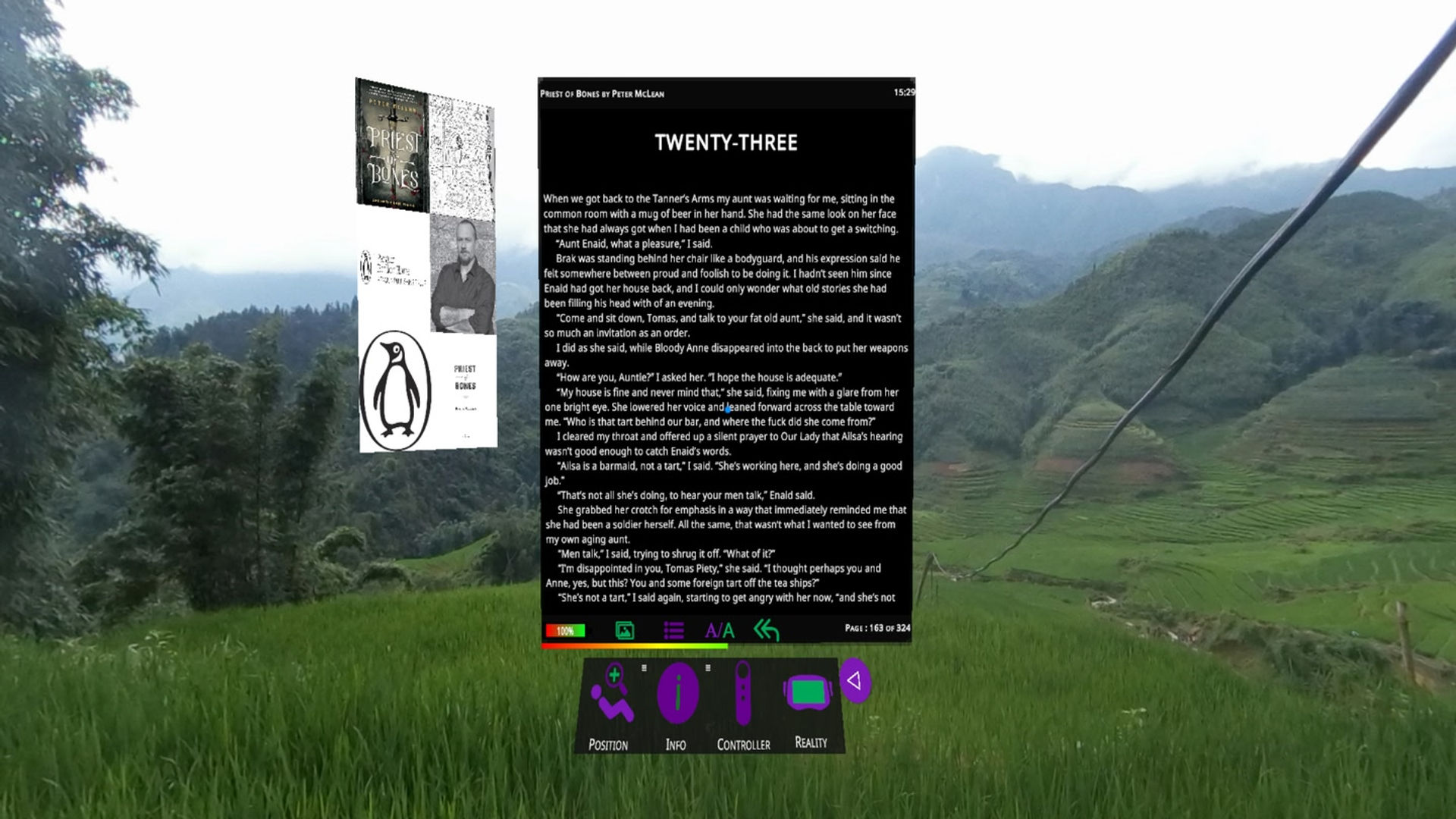
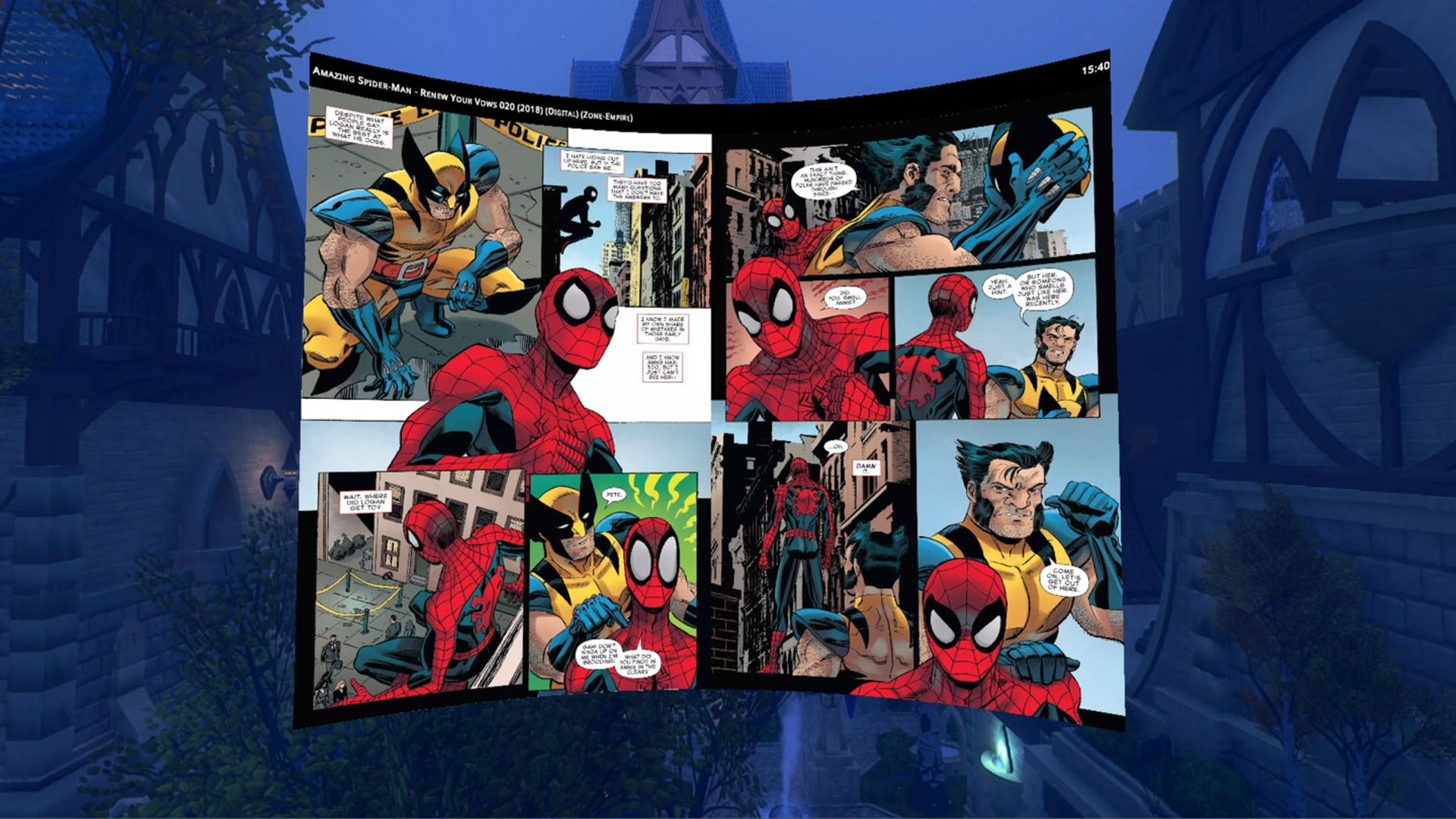
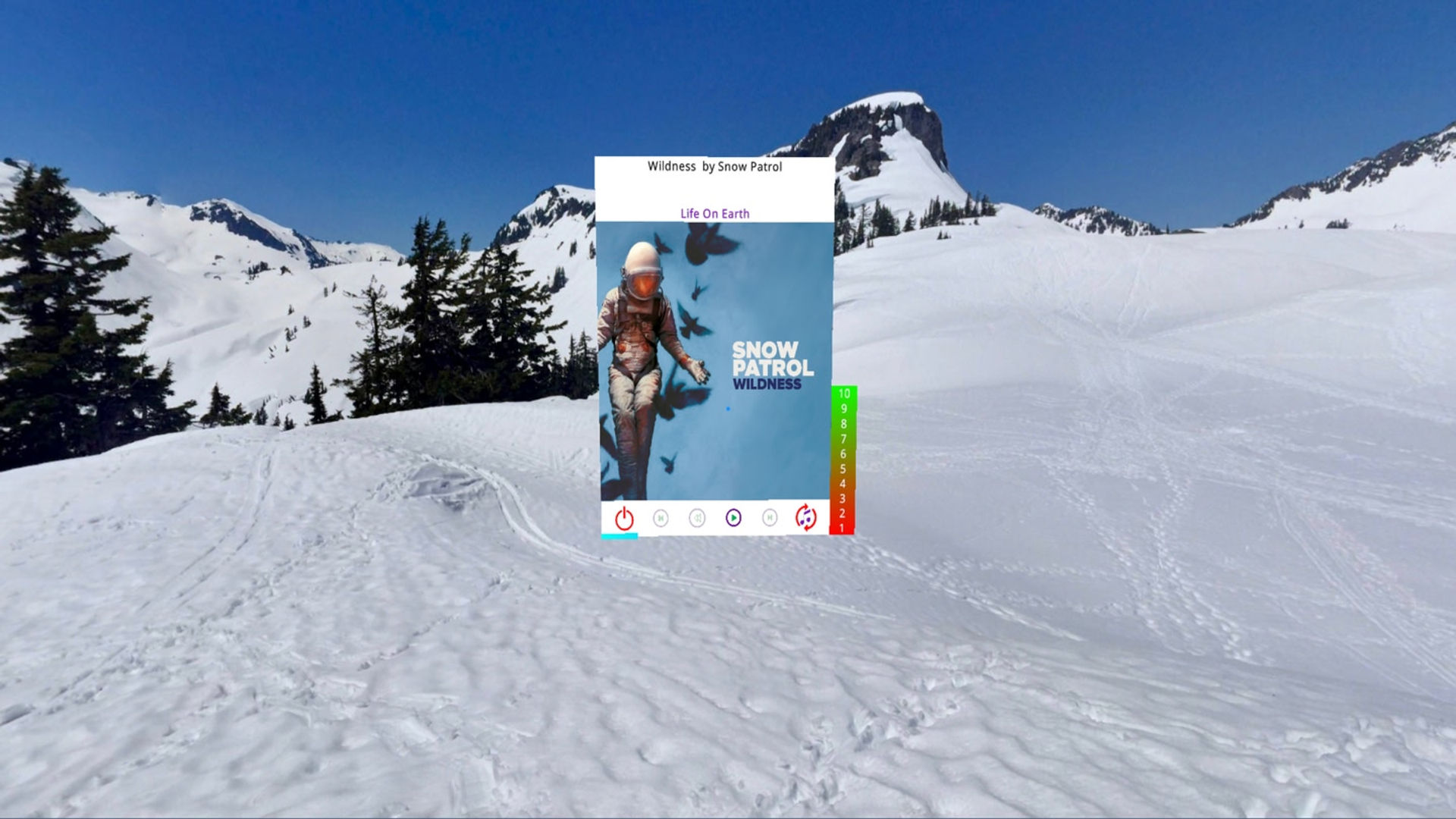
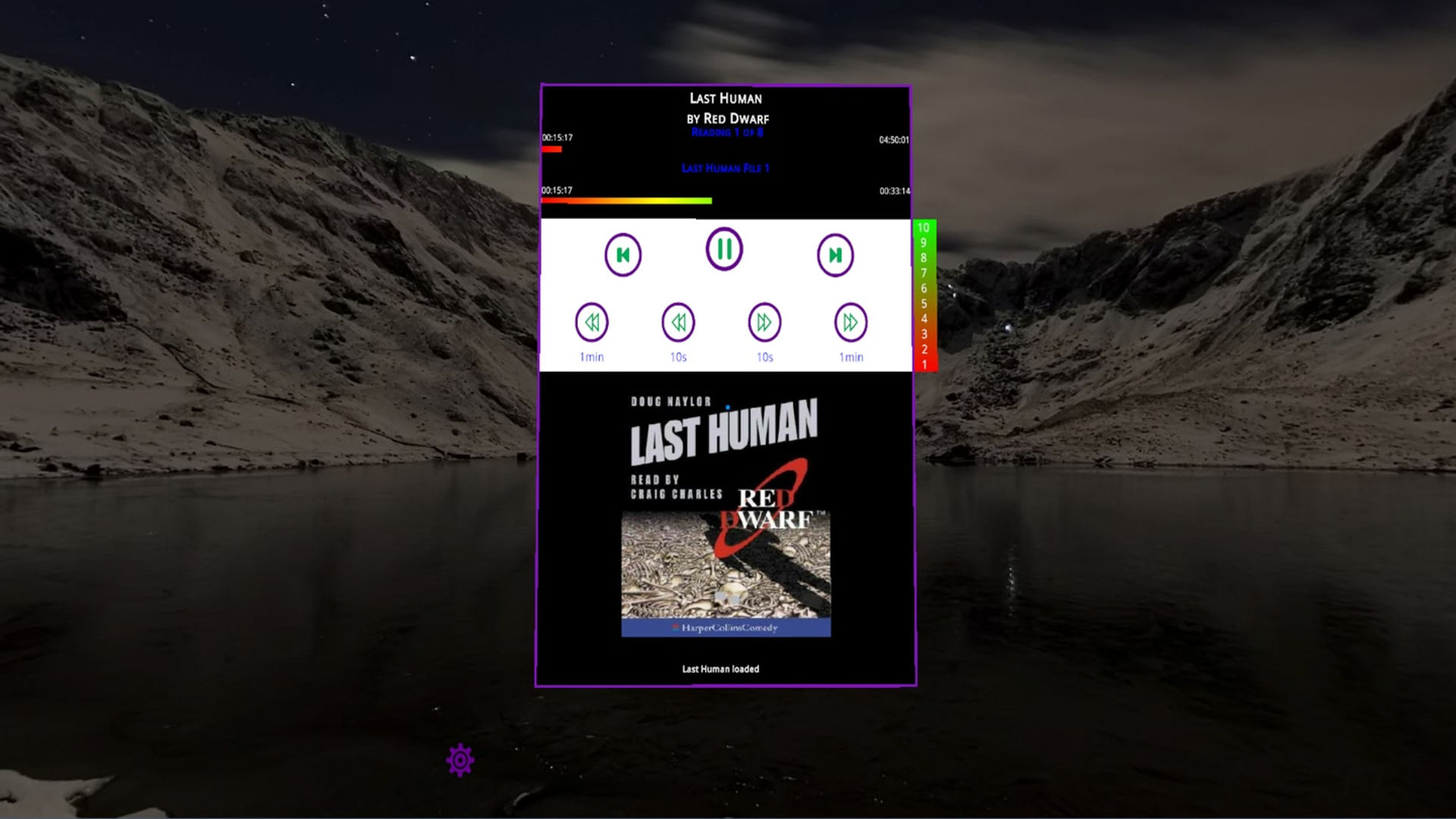
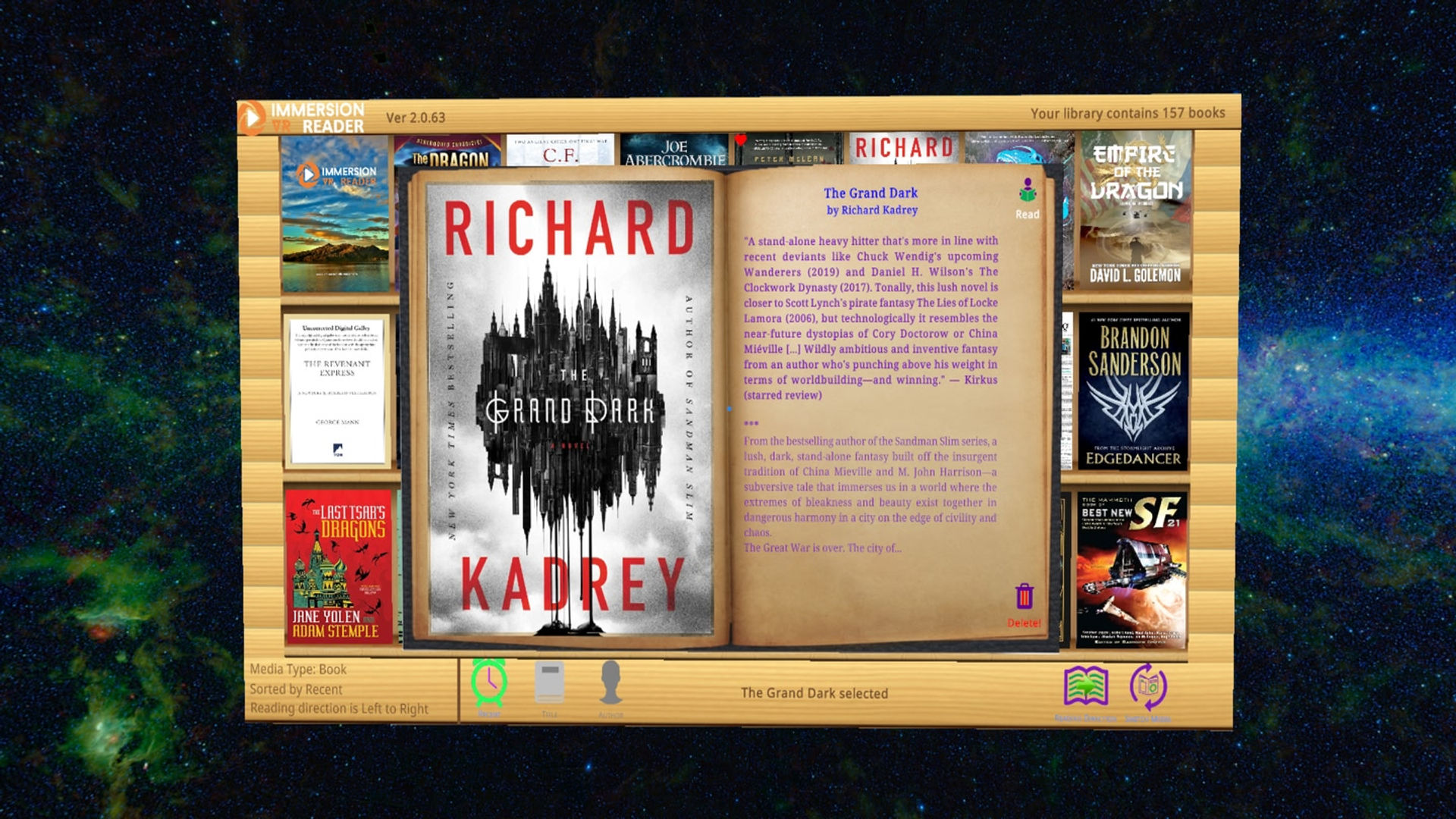
immersionVR reader 2.0 is a media reader designed for Virtual Reality.
immersionVR reader allows you to read books, comic, graphic novels or even listen to an audiobook in one of many virtual environments.
Prices are the most recent values recorded by AltLab for each currency. Availability and checkout prices may differ by region or account. Check the Meta Store before buying.
| Currency | Recorded price | Observed on |
|---|---|---|
| USD | $9.99 | |
| EUR | 9,99 € |
Up to 20 recorded version and rating changes from the past 90 days. Dates show when AltLab observed a value, not when the developer released an update. Our tracking may have gaps.
| Observed on | Store data | Recorded value |
|---|---|---|
| Rating count | 12 |
August 3, 2020
Buy if you enjoy being fooled.
13 found this helpful
November 22, 2017
please add options to change font type, more ebook formats, reader size and more themes
12 found this helpful
February 11, 2019
Some things seem a little off 😢. The hands-free feature is nice for those who do not have any type of controller, but is a bit anoying for us who do. Staring at a blue dot in center of screen is a bit annoying. For those people who have a controller, can we have the option to disable the hands-free portion? I’d rather use controller only (I use an oculus go). Taking full advantage of the controller would be a big plus. The swiping motion on the oculus go controller thumb pad to page forward or backwards seems to be backwards to me. I have to swipe left to right to advance the pages forward, that does not make sense because if you turn the pages of a book from left to right you turn the pages backwards. Controller actions should mimic real world book actions shouldn’t they? Load time for .epub files seems very long. As I have over 100 books I will not be using this app a lot as it would take days to load it all. I’d wait for revisions before buying. 😢
10 found this helpful
December 13, 2017
So laggy it makes me feel sick. Nothing wrong with my phone. No Bluetooth support for a controller (steelseries). I knew it was a gamble spending 12$. It's not worth 1$ at this point.
6 found this helpful
October 17, 2021
I had it in 2019 and i reinstalled it now. now it doesn't have the same themes and interface. that hands-free feature is horrible for gear vr if one has a controller, it should be switcheable.Where can I download themes? there were nice themes before. I don't see any update since a long while ago. It could have much more comfortable options.
6 found this helpful

$19.99

Free
Free

$9.99

Free