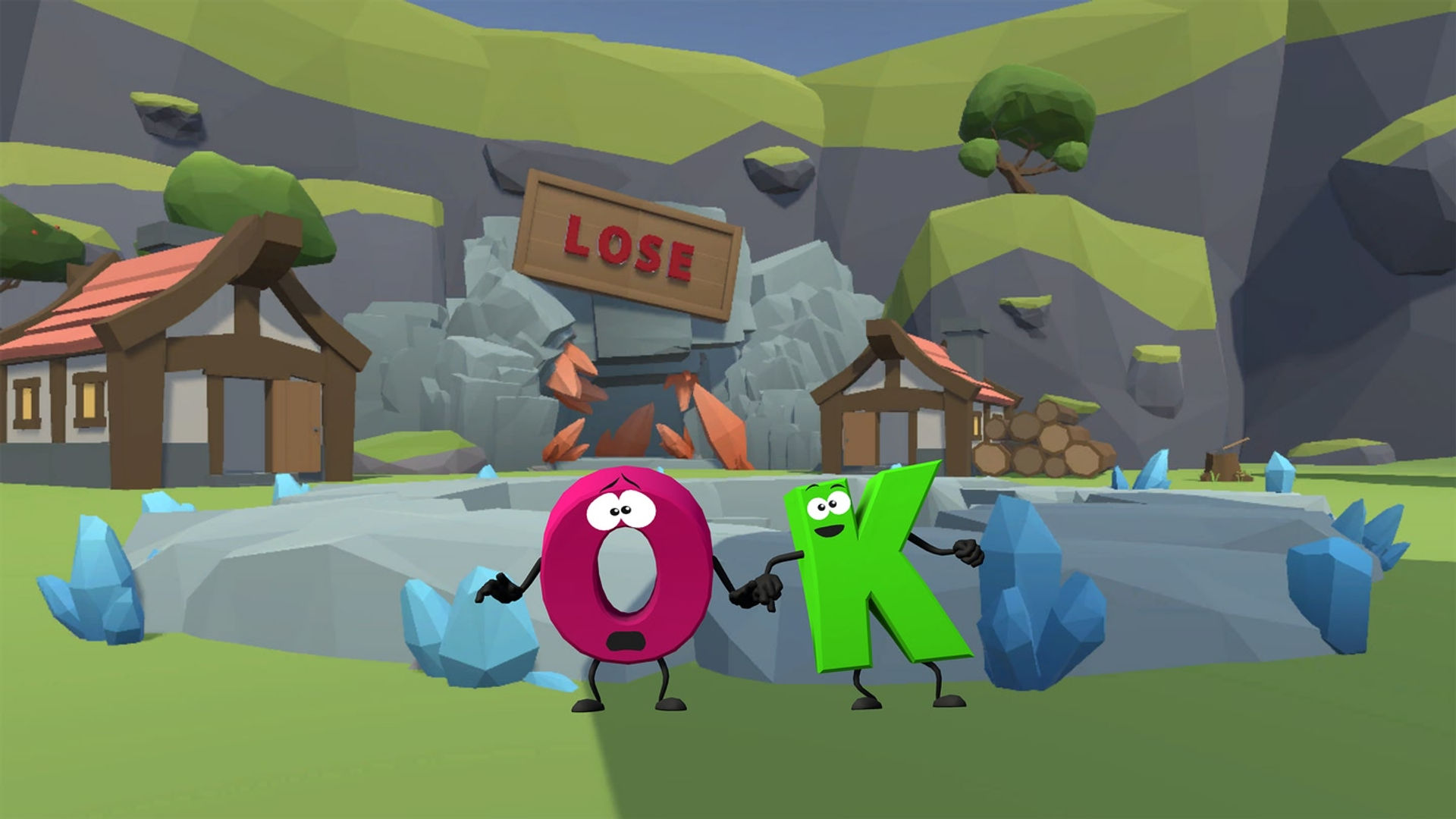






Numbers and Letters - puzzles, math, numeracy and literacy educational games

About

Release date

December 23, 2023

Publisher

Numbers and Letters

Numbers and Letters

Math and Literacy Adventures in VR!

Dive into an immersive world where learning meets excitement!

Master equations and spelling in thrilling VR challenges.

🔢 Numbers Game:

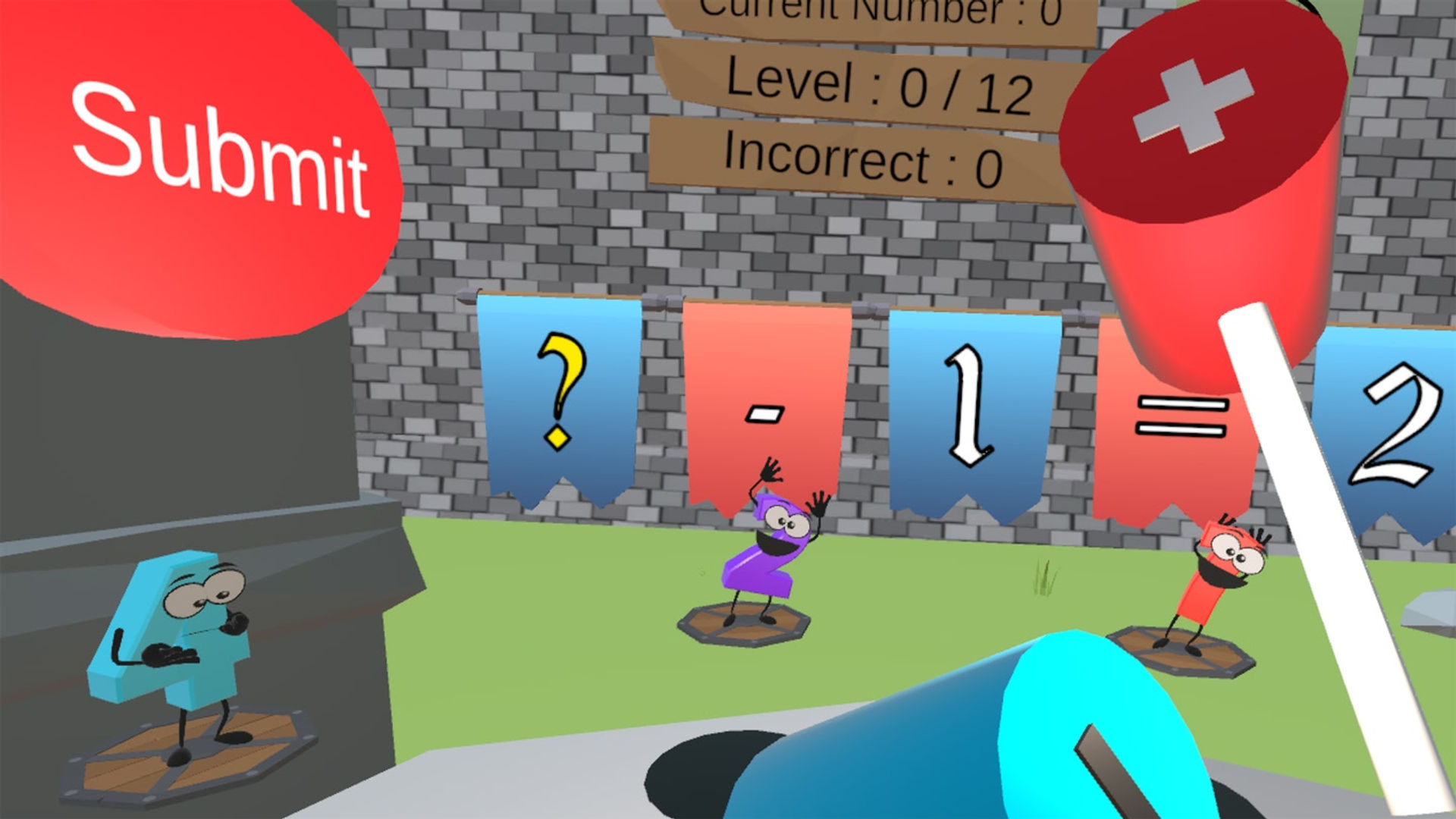
Solve equations using addition, subtraction, multiplication, and division

Three exciting modes:

Arcade: 20 equations, beat the clock.

Time Trial: Max equations in 5 minutes.

Survival: Endless equations, one chance to proceed.

VR Twists:

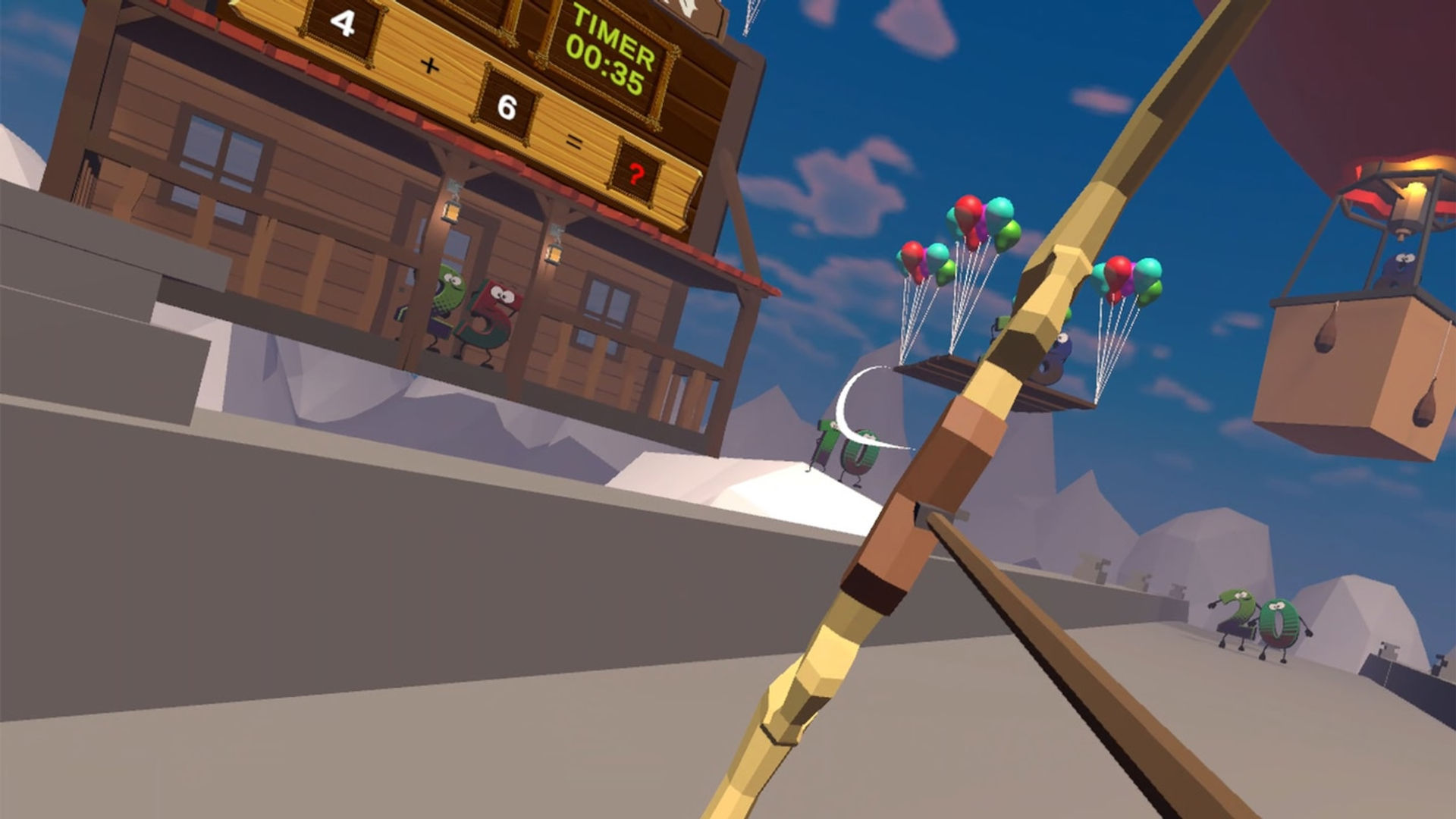
Numbers Archery: Aim and shoot to solve.

Numbers Whack: Hammer your way to math mastery

🔤 Letters Game:

Boost literacy and spelling skills Find missing letters to complete words

NEW LEVEL! Letters Swords: Race and slice to find the correct word.

Benefits:

Improve mental computation and quick calculations Develop number knowledge and mathematical proficiency Enhance problem-solving through varied strategies Strengthen literacy in an engaging VR setting

Features:

Multiple game modes for all skill levels Achievements to unlock and leaderboards to climb Intuitive VR controls for immersive learning

Perfect for students, lifelong learners, and anyone looking to sharpen their mind while having fun!

Whether you're aiming arrows at equations or swinging swords at syllables, Numbers and Letters turns education into an unforgettable adventure. Download now and become a math and literacy champion in VR!

Music credits video: Lost Companion by TomboFry
Available here: https://music.tombofry.co.uk/album/lost-companion-single

Show more Show less

Supported platforms

Additional details

Ratings & reviews

3.85

5 ratings

Oculus rating

Player reviews

ShadowVFX

February 14, 2026

3/5

UI Needs a lot of work

I got this for my kid to practice letters and numbers, but the UI is awful for someone who can't read. There are no pictures, icons or anything else "infographic" to help someone without knowledge of the english language navigate the menu. If this is intended to be a learning game, then there should be easy icons next to each selection to denote what that selection is for. Number Whack could have an icon to the right of the button showing mallet hitting a number. Same for the archery minigame. I'm disappointed, because I think my kid would love this, but I keep having to take the headset to select things for her because she doesn't understand the UI and the buttons are (relatively) tiny for a young person to press with reliability. Again, devs, if you are reading this; study up on UI design. There is so much you could do to reduce the barrier for your players. In response to the Devs reply: My child is 10, but is autistic and I am using the headset to help her learn letters and numbers better. But, none of this matters because my critique is still 100% valid whether it is played by an adult or a kid. Your UI needs work. Instead of getting defensive and trying to dismiss the criticism, take it to heart and study up on UI design so that you can make a better experience. The core experience here is solid. But for a game targeted at younger users for "education", the UI should be a lot more universally understandable by all kinds of people, regardless of their first language, nation of origin, or their current education level.

9 found this helpful

Show all reviews on Meta

Related games

Discover

Browse

Blog